Free Online Screen Recorder
- Fast, Simple, and Secure
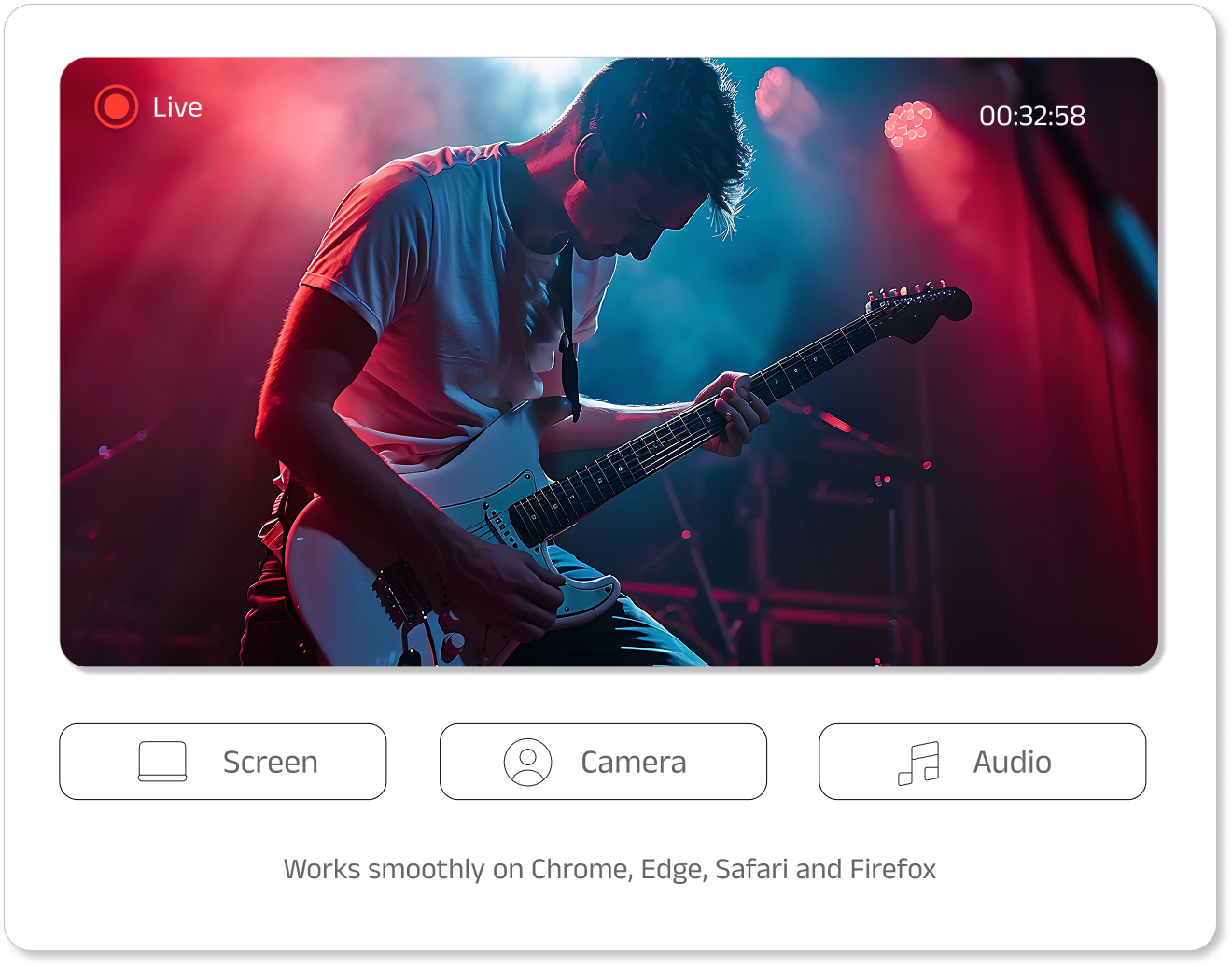
How to Use Swyshare Online Screen Recorder?
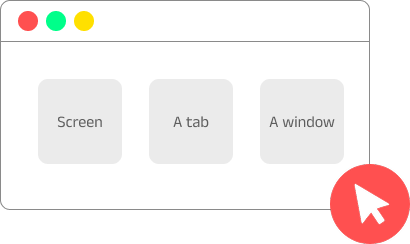
Step 1. Set up Recording Options
Choose to record screen, a window or a tab; Enable audio or webcam as needed.
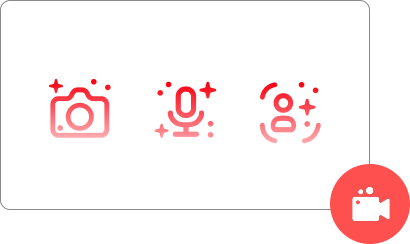
Step 2. Start Recording
Start recording and grant the necessary permissions to record screen and audio.
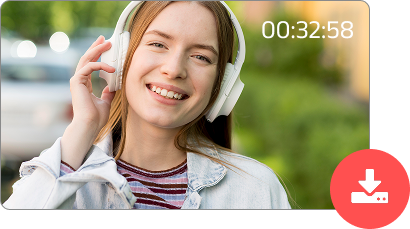
Step 3. Stop and Download Recording
Stop recording, preview the file, and then download it directly to your device.
Why Choose Swyshare Online Screen Recorder?

Instant Access
Start recording right in your browser
— no downloads, no hidden fees.
— no downloads, no hidden fees.

Multiple Sources
Choose to record screen, system audio or microphone, webcam.

High-Quality Recording
Capture your screen and audio simultaneously for complete clarity.

Watermark-Free
Produce professional, clean recordings for content creation.

Quick Downloads
Export recordings instantly in popular MP4 format to your device.

Cross-Browser Support
Work with modern browsers like Chrome, Edge, Safari, and Firefox.

Need Advanced Recording Features?
| Feature | Free Online Screen Recorder | Swyshare Recordit |
|---|---|---|
| Recording Scope | Full screen, window, or tab | Full screen, window, tab, or custom region |
| System Audio & Microphone Capture | ✅ | ✅ |
| Webcam Support | ✅ | ✅ |
| HD or Higher Quality | ❌ | ✅ |
| Multi-Formats Support | ❌ | ✅ |
| Annotation, mouse effects, built-in editor | ❌ | ✅ |
| Scheduling | ❌ | ✅ |
| Buffer Replay | ❌ | ✅ |
| Screenshot | ❌ | ✅ |
FAQs
Is the online screen recorder really free?
Yes, you can use the online screen recorder completely free without any payment.
Do I need to sign up or log in?
No, you don’t need an account to get started. Just open the recorder and begin recording instantly — no sign-up or login required.
Does it add a watermark to the recording?
No, there are no watermarks added. All recordings are watermark-free and ready to use or share right away.
Are there time limits on recording?
No, you can record without any time restrictions, allowing you to capture your screen for as long as you need.
Can I record a specific region instead of the full screen?
No, to select a specific region to record, please use our deskop screen recorder - Swyshare Recordit.
How big are the video files?
The file size depends on the resolution, audio, and recording length, and videos are optimized to remain reasonably small.
Is my recording private and secure?
Yes, we don’t keep any data so your recordings always remain private and secure on your device.