How to Turn Off C2C in Stripchat for Exclusive Private?

Stripchat offers a wide range of interactive features for both viewers and performers, and one of the most notable tools is Cam-to-Cam (C2C). This feature allows users to broadcast their own webcam feed directly to the model, creating a two-way visual experience. While C2C can make interactions more personal, it isn’t always desirable—especially when preparing for an exclusive private session where users may prefer anonymity, privacy, or simply want to avoid streaming their own feed.
For viewers who want to enjoy a private show without enabling their camera, Stripchat provides built-in controls for disabling C2C. This article explains how to turn off C2C on Stripchat for exclusive private chat, and includes a bonus guide on how to effortlessly record Stripchat sessions.
1. How to Turn Off C2C in Stripchat for Exclusive Private?
Stripchat activates Cam-to-Cam only when the user chooses to enable it. However, its interface can be a bit confusing for new users. If you’re preparing to enter a private or exclusive show and want to ensure C2C stays off, follow the steps below.
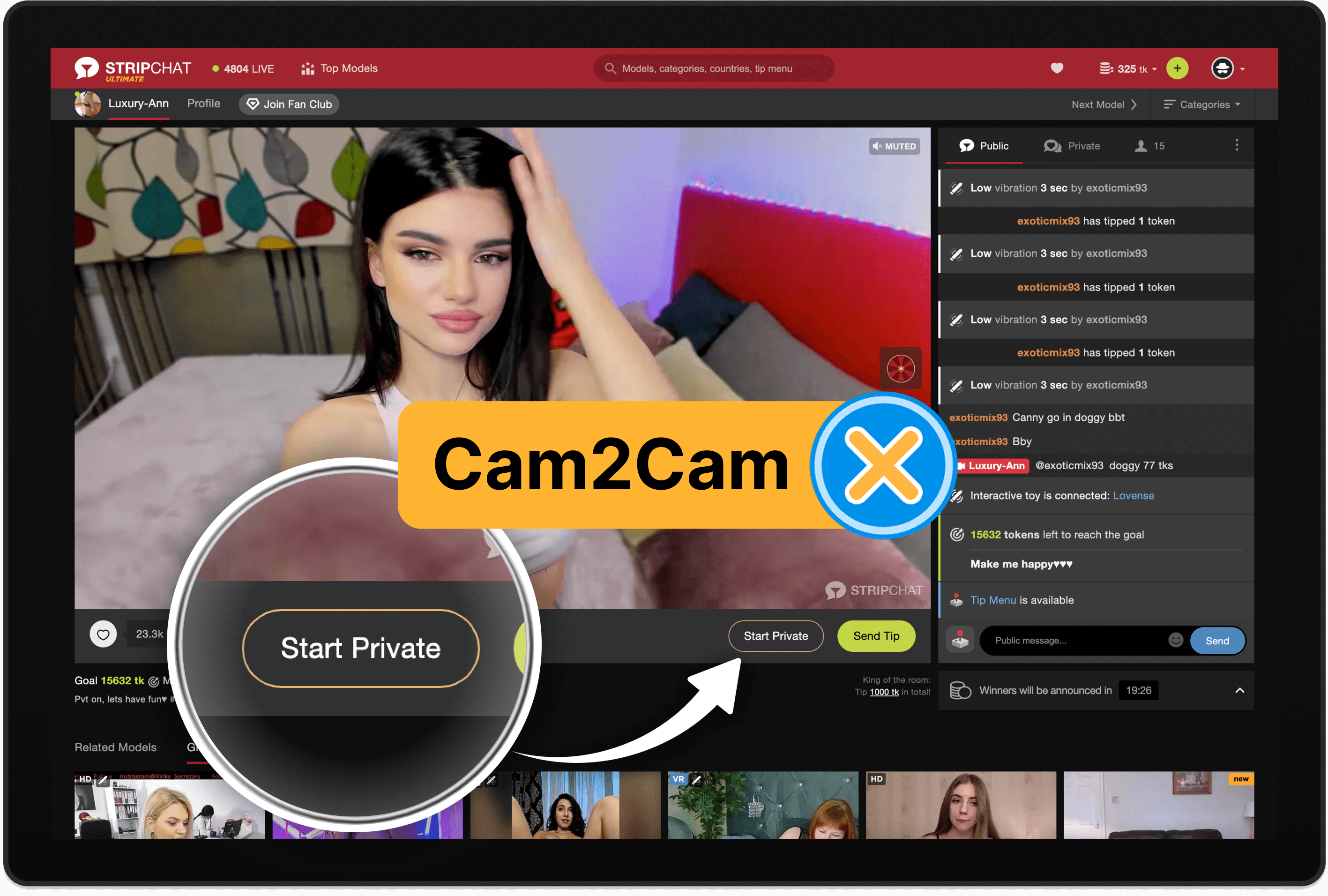
Step 1: Sign in to Your Stripchat Account
Log in using your usual credentials. C2C access is only available to registered users, so you’ll need an account to view or change your C2C settings.
Step 2: Navigate to the Room You Want to Join
Open the room of the performer you’re interested in. You don’t need to start a private show yet. C2C settings are visible directly in the live room interface.
Step 3: Look for the C2C Camera Icon
Inside the model’s chatroom, you will typically see a small camera icon near:
- the chat input area,
- the tipping panel, or
- the interactive tools panel (depending on the device interface).
This camera icon controls whether your webcam is turned on.
Step 4: Ensure the C2C Toggle Is Disabled
If the camera icon or toggle appears highlighted, glowing, or active, it means your webcam is currently enabled or ready to transmit.
To turn off C2C, click the icon once to disable it.
When disabled, the icon will appear:
- dimmed,
- greyed out,
- or crossed out (depending on your device).
This guarantees that your webcam feed will not be shared when entering a private or exclusive show.
Step 5: Start the Exclusive Private Without Enabling C2C
Now you can safely enter:
- Private Chat
- Exclusive Private
- TruePrivate or other one-on-one modes
Since C2C is optional, models cannot force viewers to use it. If your icon is off, Stripchat will never activate your webcam.
Step 6: Double-Check Your Browser Permissions (Optional)
If you want to be completely sure, check your browser camera permissions in settings. Make sure Stripchat is either blocked or set to Ask before accessing. If the browser is blocked entirely, C2C cannot turn on at all.
Mobile App/Browser Note
Stripchat on mobile uses the same interface logic:
- Tap the camera icon
- Make sure it is NOT lit up
- Enter the private show
You are now fully hidden and anonymous, with C2C turned off.
2. Bonus: Effortlessly Record Stripchat with Swyshare Recordit
For users who want to capture their personal viewing sessions for private use—such as reviewing instructions, analyzing performer setups, or creating tutorials—screen recorder software is a practical solution. One tool that stands out for simplicity is Swyshare Recordit, a lightweight, beginner-friendly screen recorder for Windows and Mac.
Key features of Recordit:
- Record screen in high quality
- Flexible capture modes (full screen, window, custom area)
- Records audio and webcam simultaneously
- Schedule recordings easily
- “Record last ** seconds” instant replay feature
- Instantly export recordings in popular formats (MP4, MOV, etc.)
- Advanced built-in editor for trimming, annotations, and enhancements
How to record Stripchat model live with Recordit:
- Download and install Recordit on your device, then launch it.
- Visit Stripchat in your browser and open the model live you want to record.
- Use Recordit to choose recording area, enable or disable audio, and set output options.
- Click Start Recording and the software will begin capturing everything on screen.
- Once you stop the recording, Recordit saves it automatically and places it in the Files tab for quick access.

3. Conclusion
Turning off C2C on Stripchat is simple and gives you full control over your privacy during exclusive private sessions. Whether you’re entering a one-on-one show or just browsing a room before initiating a private chat, ensuring your camera is disabled keeps your identity and environment secure. The platform’s built-in toggle makes it easy to prevent unintended webcam sharing.
For users who want an effortless way to capture their screen for personal purposes, Swyshare Recordit is an excellent choice. Its clean interface, reliable performance, and high-quality recording capabilities make it ideal for documenting your sessions or creating tutorials.
If you’re looking for a dependable, beginner-friendly screen-recording solution, Recordit is the tool worth recommending.