The Complete Guide to YouTube Transcript Chrome Extensions

In today’s fast-paced digital world, YouTube has become more than just a platform for entertainment. Millions of people rely on YouTube for educational content, tutorials, lectures, and professional insights. While videos are excellent for visual and auditory learning, there are times when you need a text version of a video, whether to quote information, take notes efficiently, or translate content into another language.
This is where YouTube transcript Chrome extensions come in handy. These extensions allow you to generate transcripts of YouTube videos instantly, right from your browser. They make it easier to search for specific parts of a video, capture important details, or even repurpose content for other uses. In this guide, we’ll cover the most popular extensions, how to use them, their advantages and drawbacks, and a simple free alternative that anyone can try.
1. Popular YouTube Transcript Chrome Extensions
Several Chrome extensions can help extract and display YouTube transcripts, and below are some of the most popular options.
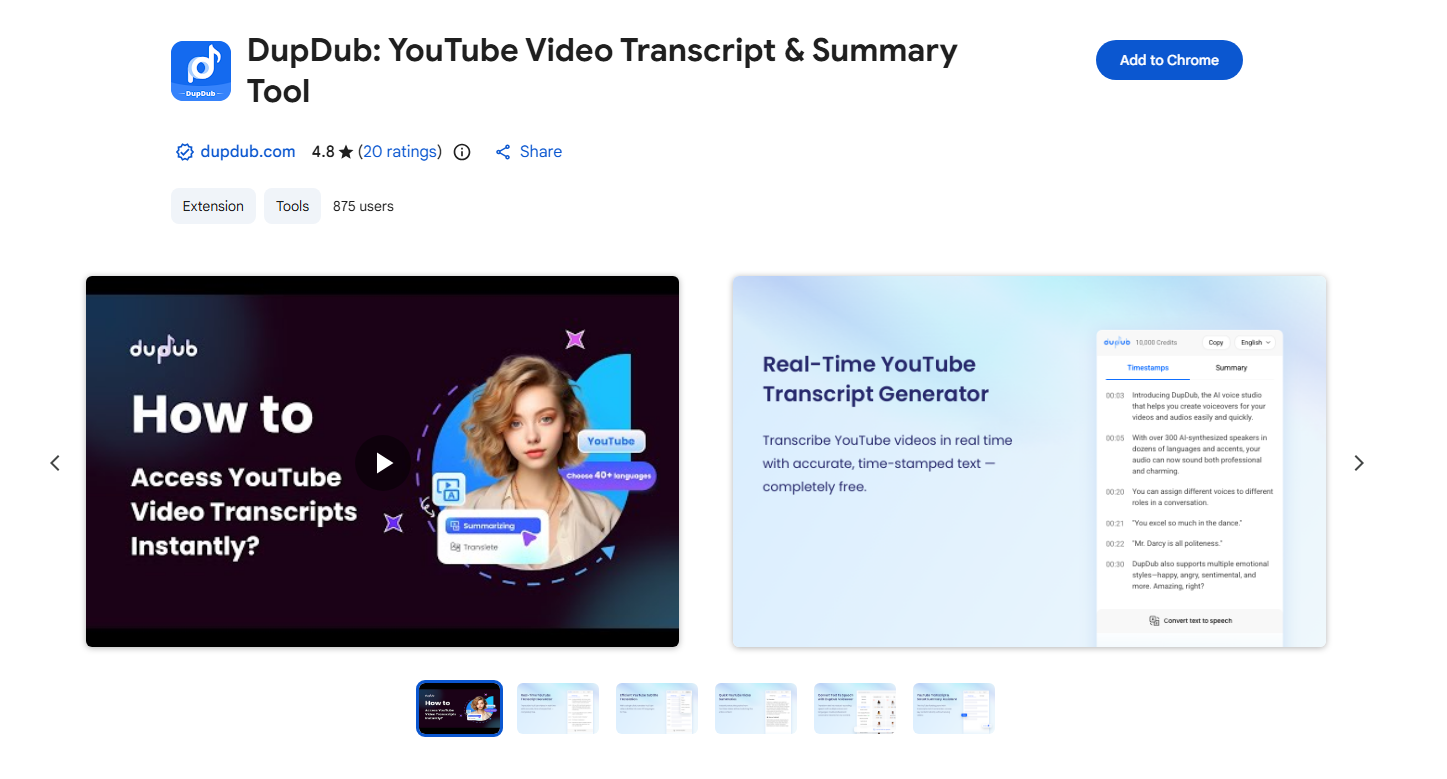
- DupDub: YouTube Video Transcript & Summary Tool
DupDub provides both transcript extraction and AI-powered video summaries. It helps users quickly understand the main points of a video while also allowing them to copy or review the full transcript. This makes it a convenient tool for content creators, researchers, and students.
- Glasp YouTube Summary
Glasp not only extracts transcripts but also provides quick summaries of YouTube videos. Users can highlight important sections and save them for later reference, which is helpful for learning and research.

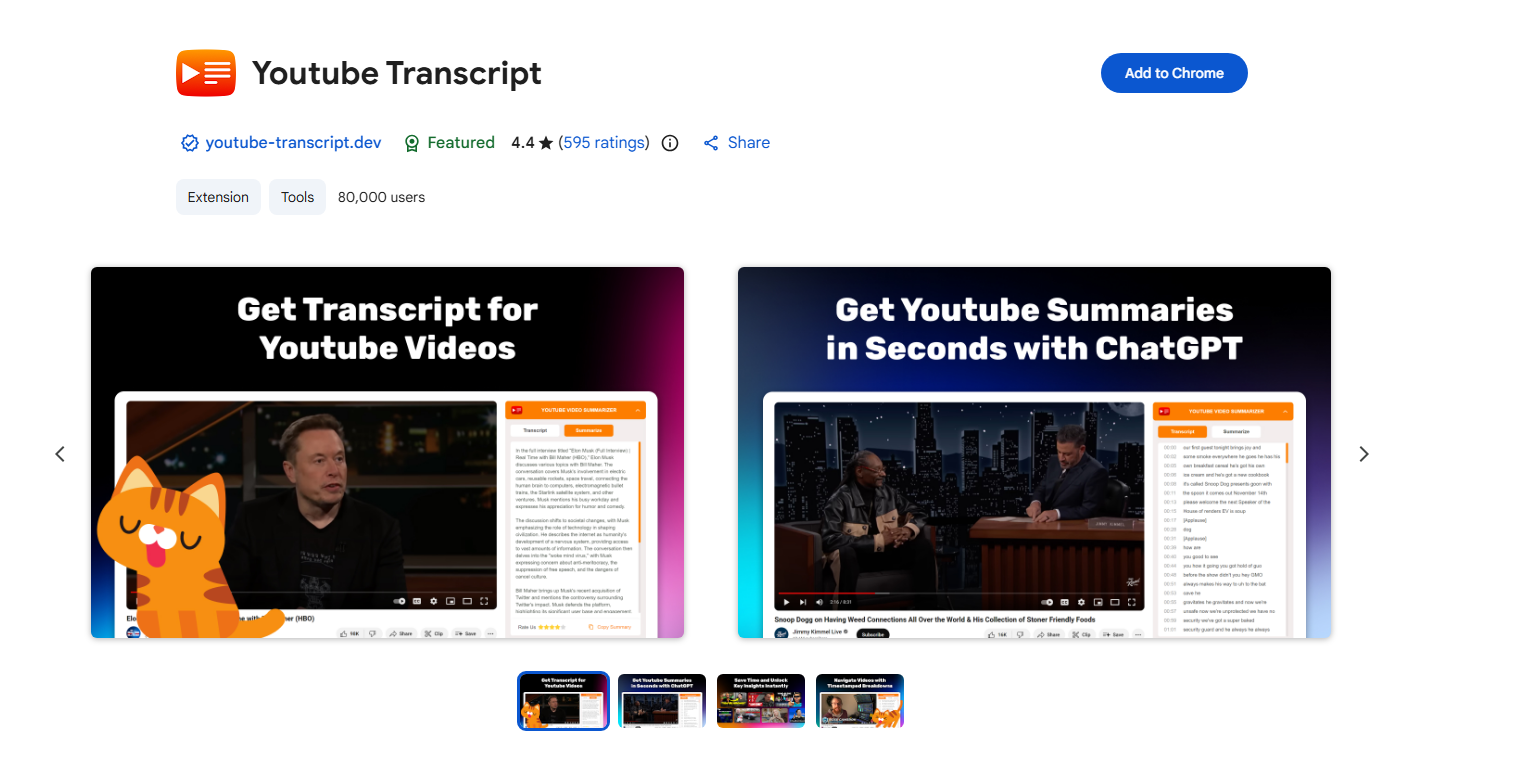
- Youtube Transcript
This lightweight extension focuses on simplicity. It displays the transcript of a video with available captions and allows users to copy the text easily for notes, quotes, or translations.
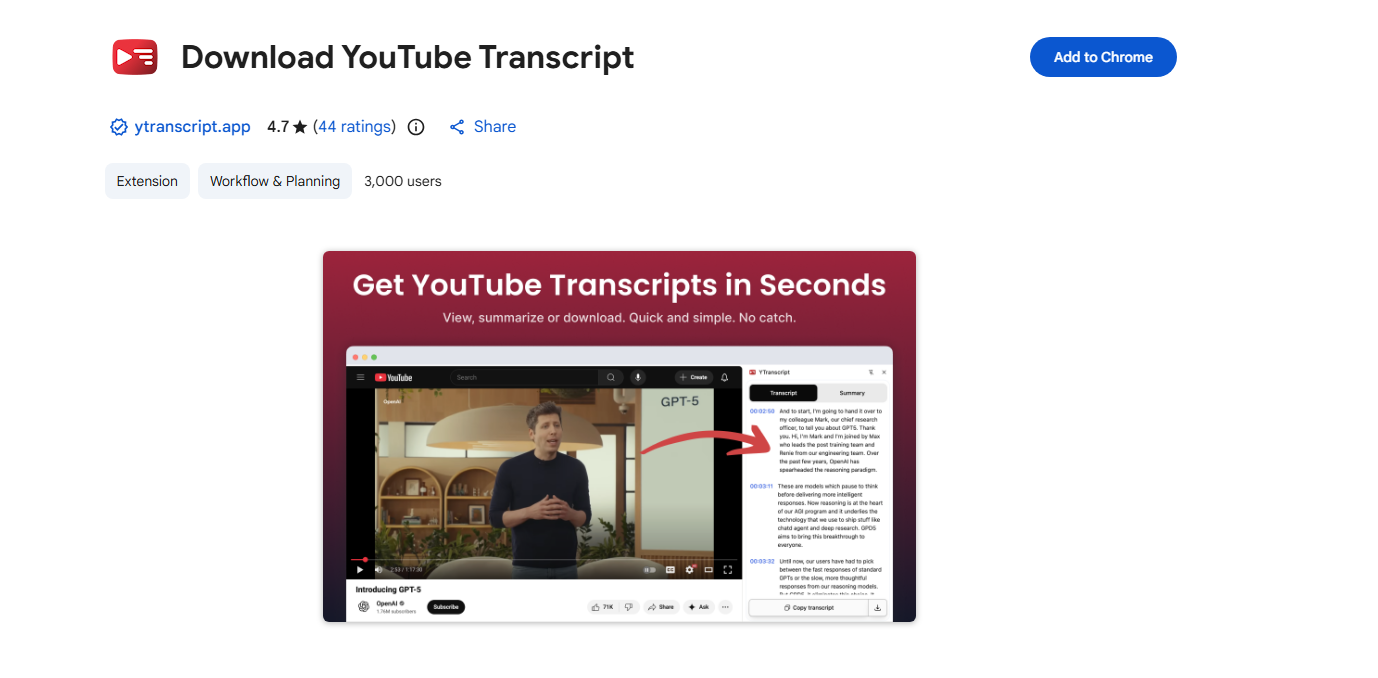
- Download YouTube Transcript
As the name suggests, this extension lets users download YouTube transcripts directly to their devices, usually in TXT format. It’s useful for saving transcripts for offline reading or editing.
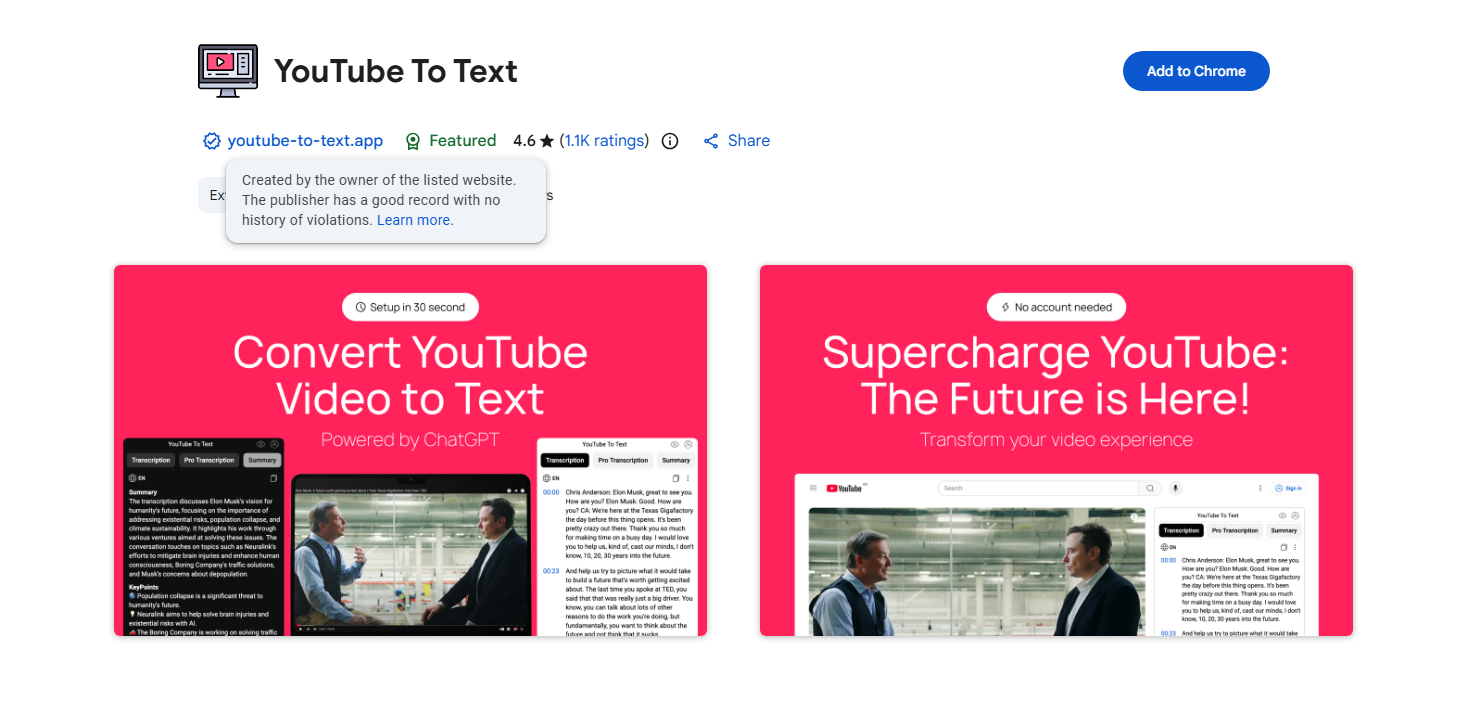
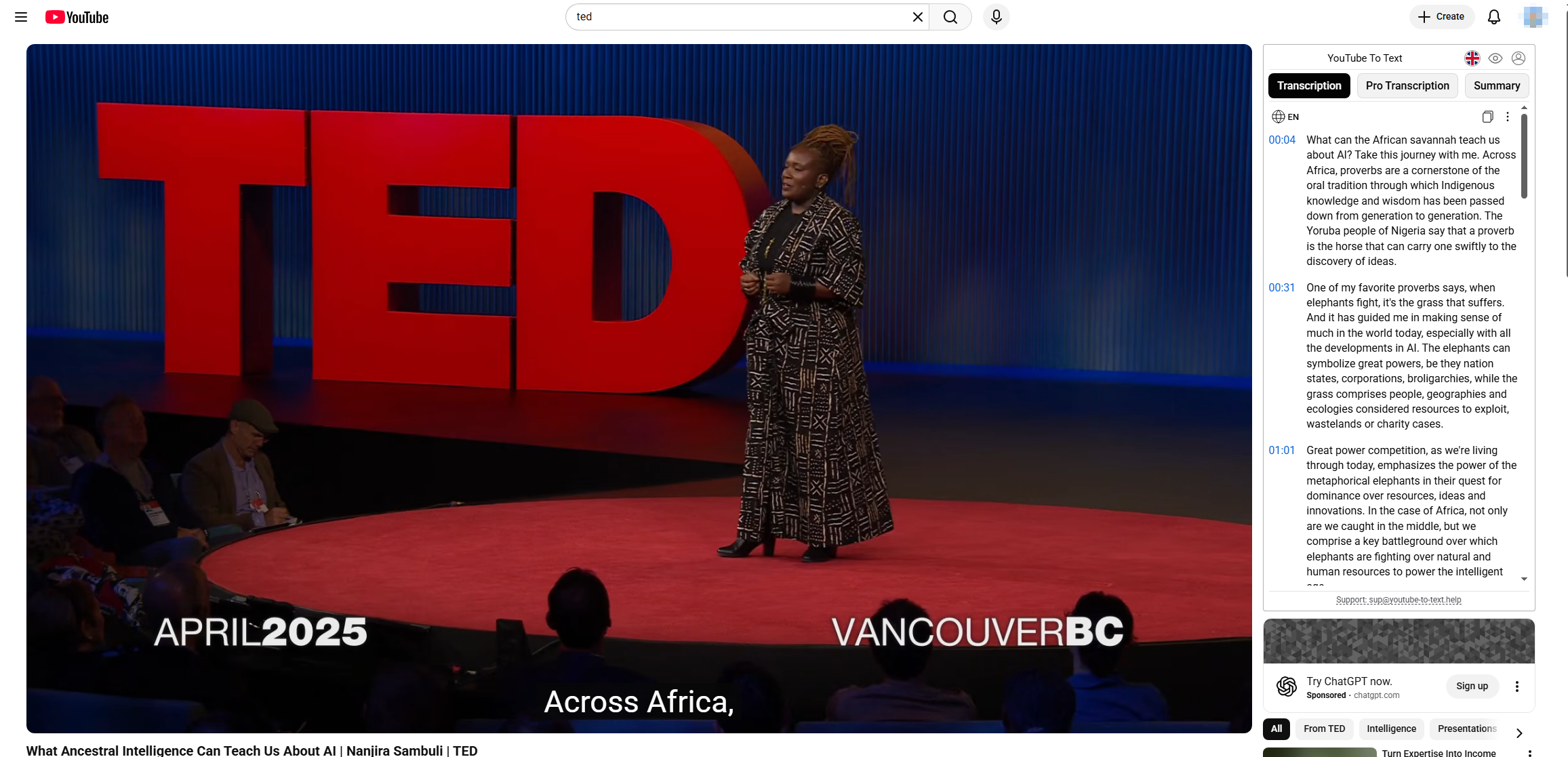
- YouTube To Text
YouTube To Text converts video subtitles into a clear text transcript. Its simple interface makes it easy to copy and use the text for notes, research, or content creation.
2. How to Use YouTube Transcript Chrome Extensions?
Using a YouTube transcript Chrome extension is straightforward. While each extension has slight differences, the general steps are similar:
- Install the Extension
Open the Chrome Web Store, search for your chosen transcript extension, and click Add to Chrome. Follow the prompts to complete installation. - Open a YouTube Video
Navigate to any YouTube video. Most extensions automatically detect the video and display a transcript button near the video player. - Generate the Transcript
Click the transcript button. The extension will extract the subtitles or captions and display them in a readable text format. Some extensions allow real-time scrolling so that the text highlights as the video plays. - Search and Copy Text
Once the transcript is visible, you can search for keywords, jump to specific sections, or copy the entire transcript. Some extensions allow exporting to TXT, PDF, Google Docs, or Notion, which is particularly useful for researchers, content creators, and students. - Optional Features
Advanced extensions may offer features like highlighting key points, adjusting playback speed, translating subtitles, or saving timestamped notes.
3. Pros and Cons of YouTube Transcript Chrome Extensions
While these extensions are convenient, they come with both advantages and limitations:
Pros:
- Time-Saving: You can quickly get a text version of a video without manually typing notes.
- Keyword Search: Easily find specific moments in a video without watching the entire clip.
- Content Repurposing: Ideal for bloggers, students, and professionals who need quotes or references.
- Accessibility: Helps viewers with hearing difficulties or non-native speakers follow along.
- Export Options: Many extensions let you export transcripts to text files or cloud apps.
Cons:
- Reliance on Captions: If a video doesn’t have captions or subtitles, some extensions may not work.
- Accuracy Issues: Automated transcripts can sometimes misinterpret words, especially in videos with heavy accents or background noise.
- Limited Free Features: Some advanced extensions require paid subscriptions for features like PDF export or multi-language support.
- Browser Compatibility: Only works in Chrome; other browsers may need different tools.
4. Try the Free Simple YouTube Transcript Generator by Swyshare
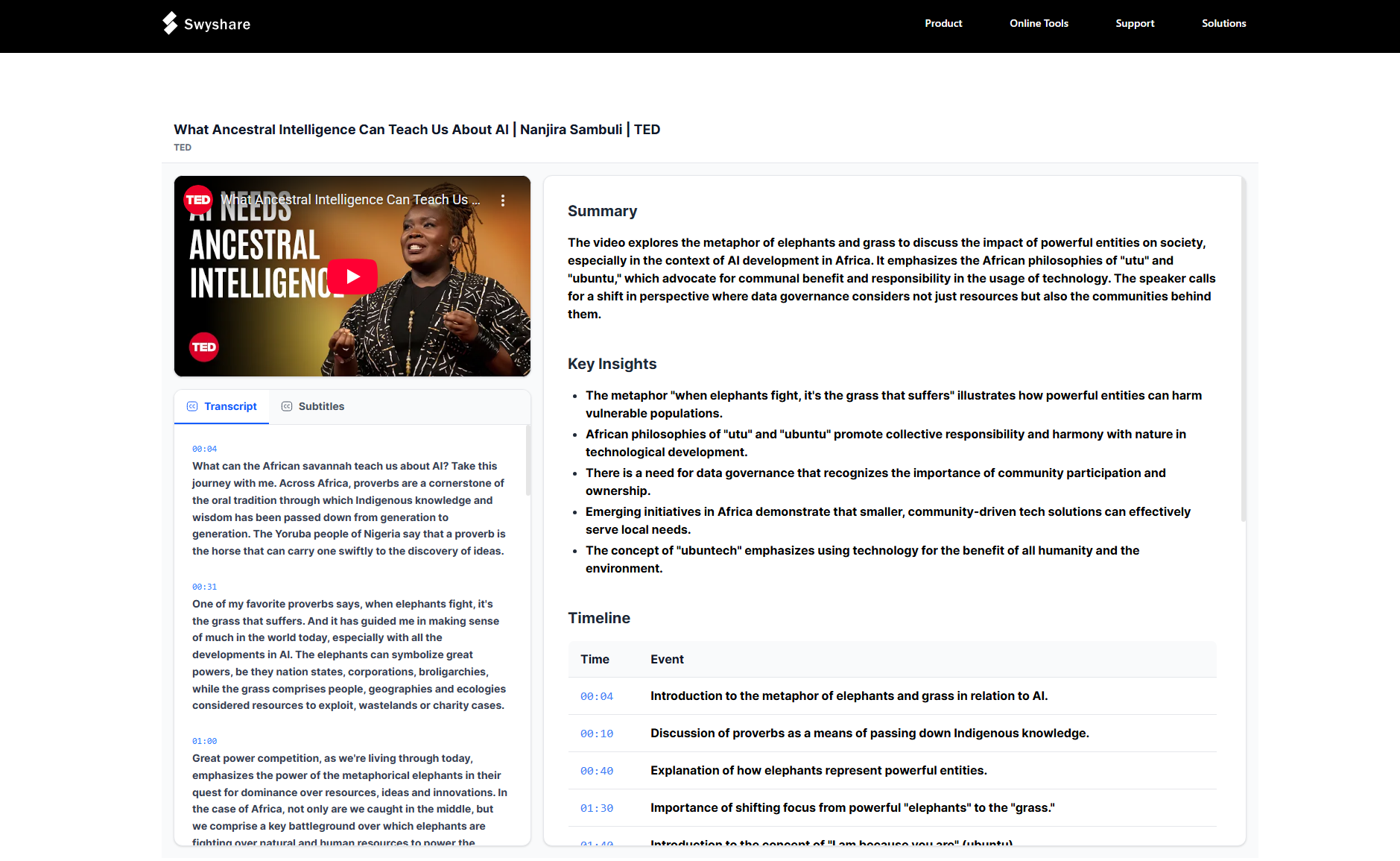
If you’re looking for a fast and simple alternative without installing multiple extensions, Swyshare free online YouTube Summarizer is a fantastic option.
Here’s why Swyshare stands out:
- Free and Web-Based: No installation required; you can generate transcripts directly from the website.
- Quick and Simple: Paste a YouTube video URL into Swyshare and get the full transcript in seconds.
- Accurate Output: Utilizes YouTube captions for high accuracy.
- Downloadable Text: Easily copy or download the transcript in TXT format for note-taking, research, or content creation.
- No Account Needed: Simply access the tool and start generating transcripts immediately.
How to use Swyshare YouTube Transcript Generator:
- Open the Swyshare Free Online YouTube Video Summarizer, and paste your YouTube video URL into the input box.
- Click Generate Transcript and wait a few seconds for the text to appear.
- Preview and copy the transcript for later use.
5. Conclusion
YouTube transcript Chrome extensions are valuable tools for anyone who regularly watches educational videos, tutorials, or lectures. They make it easy to convert spoken content into text, helping users quickly search for key information, take notes, and reuse content for research or writing. Extensions like DupDub, Glasp, and YouTube To Text offer convenient ways to generate transcripts directly in your browser, improving both productivity and accessibility.
However, browser extensions may have limitations, such as relying on available captions, offering limited free features, or only working in certain browsers. If you prefer a simpler solution without installing additional tools, using a web-based transcript generator can be more convenient.
For a quick and reliable option, Swyshare Free Online YouTube Video Summarizer is highly recommended. It allows you to generate and copy YouTube transcripts instantly by simply pasting a video link—no installation or account required. Whether you’re a student, researcher, or content creator, Swyshare provides an easy way to turn YouTube videos into readable text and make the most of the information they contain.