Best Page Saver Tools That Help You Build a Personal Web Archive

The internet is constantly changing. Articles get updated, websites disappear, social media posts are deleted, and online resources that seem permanent today may vanish tomorrow. That’s why more people are using page saver and web archiving tools to preserve valuable online content for future access.
Whether you’re a student collecting research materials, a journalist documenting sources, a marketer saving inspiration, or simply someone who likes organizing useful webpages, building a personal web archive can save time and protect important information from being lost.
In this article, we’ll explore the best page saver tools available today, including dedicated webpage archiving software, browser extensions, screenshot tools, and online web archiving services.
1. Best Recommended Page Saver: Swyshare ArchiveKit
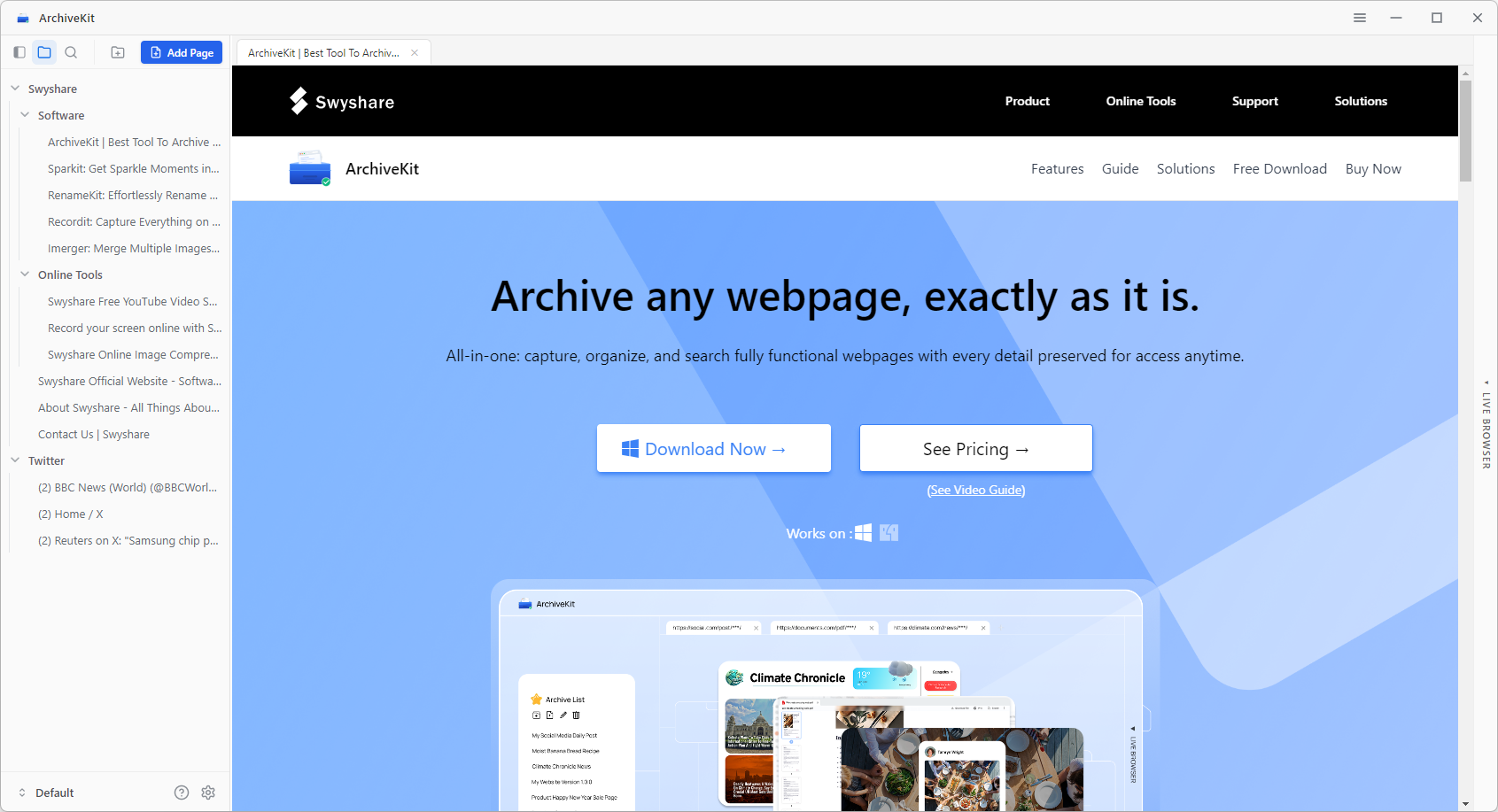
Swyshare ArchiveKit is one of the best solutions for users who want to build a reliable personal web archive. Unlike basic browser saving functions, ArchiveKit is designed specifically for webpage preservation and offline access.
Key Features of ArchiveKit:
- Save complete webpages with original formatting
- Live browser to access and archive logged in content
- Organize archived pages into collections
- Search saved pages quickly
How to save pages with ArchiveKit:
- Download and install the Windows or Mac version of ArchiveKit on your device.
- Copy the webpage URL you’d like to save, then add it into ArchiveKit and start archiving.
- If you need to archive a private or interactive webpage, switch to the Live Browser mode and click Deep Archive.
- View, organize, and manage your saved webpages anytime from your local archive.
2. Popular Browser Extensions to Save Pages
Browser extensions are convenient because they let users save webpages instantly while browsing. Some focus on full-page archiving, while others specialize in screenshots or simplified offline reading.
Here are some of the best browser extensions for webpage saving and archiving.
2.1 SingleFile
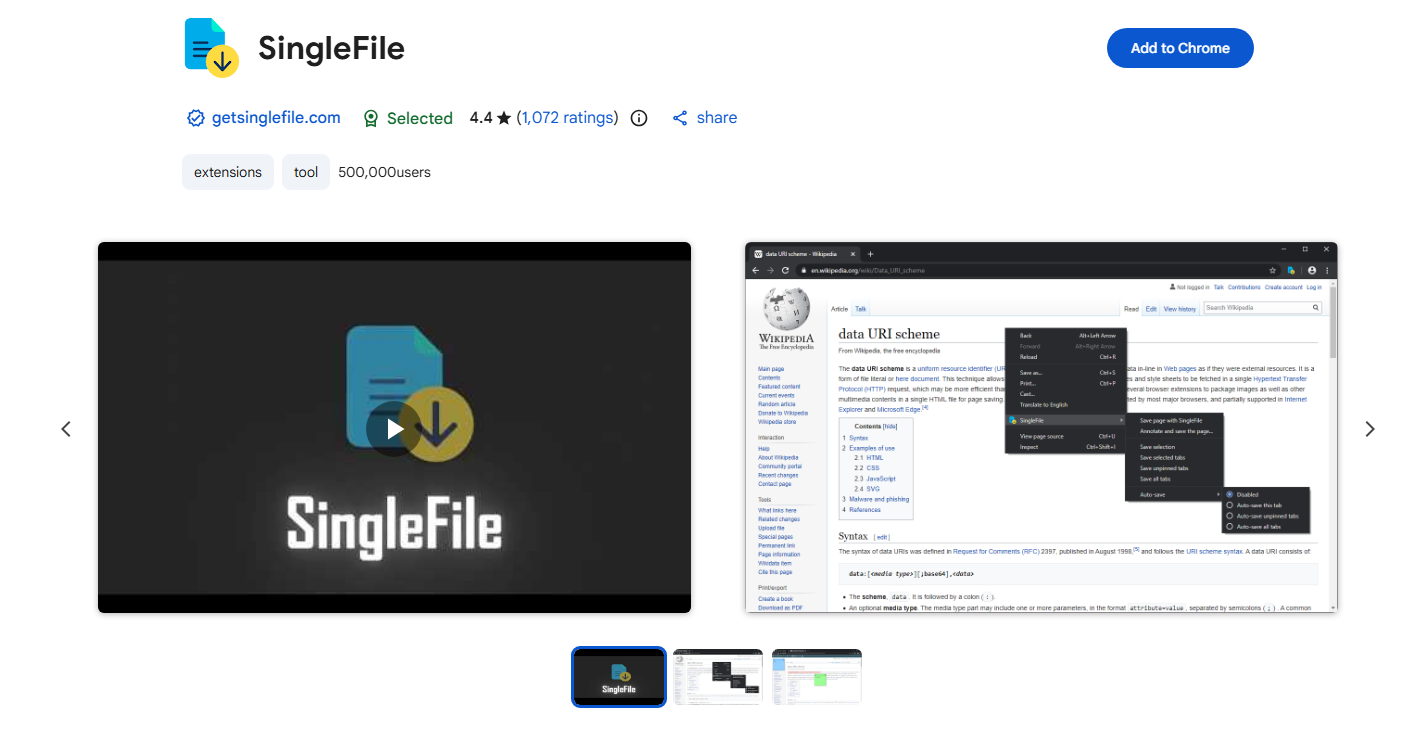
SingleFile is one of the most popular webpage-saving browser extensions available today.
SingleFile saves an entire webpage into a single HTML file, making it easy to archive and open offline later. It preserves styles, images, fonts, and layouts within one portable file.
Pros:
- Saves webpages into a single HTML file
- Lightweight and fast
- Supports Chrome, Firefox, Edge, and Safari
- Free and open-source
Cons:
- Limited archive organization tools
- Dynamic webpages may not always save perfectly
SingleFile is ideal for users who want a quick and efficient way to save webpages locally.
2.2 GoFullPage
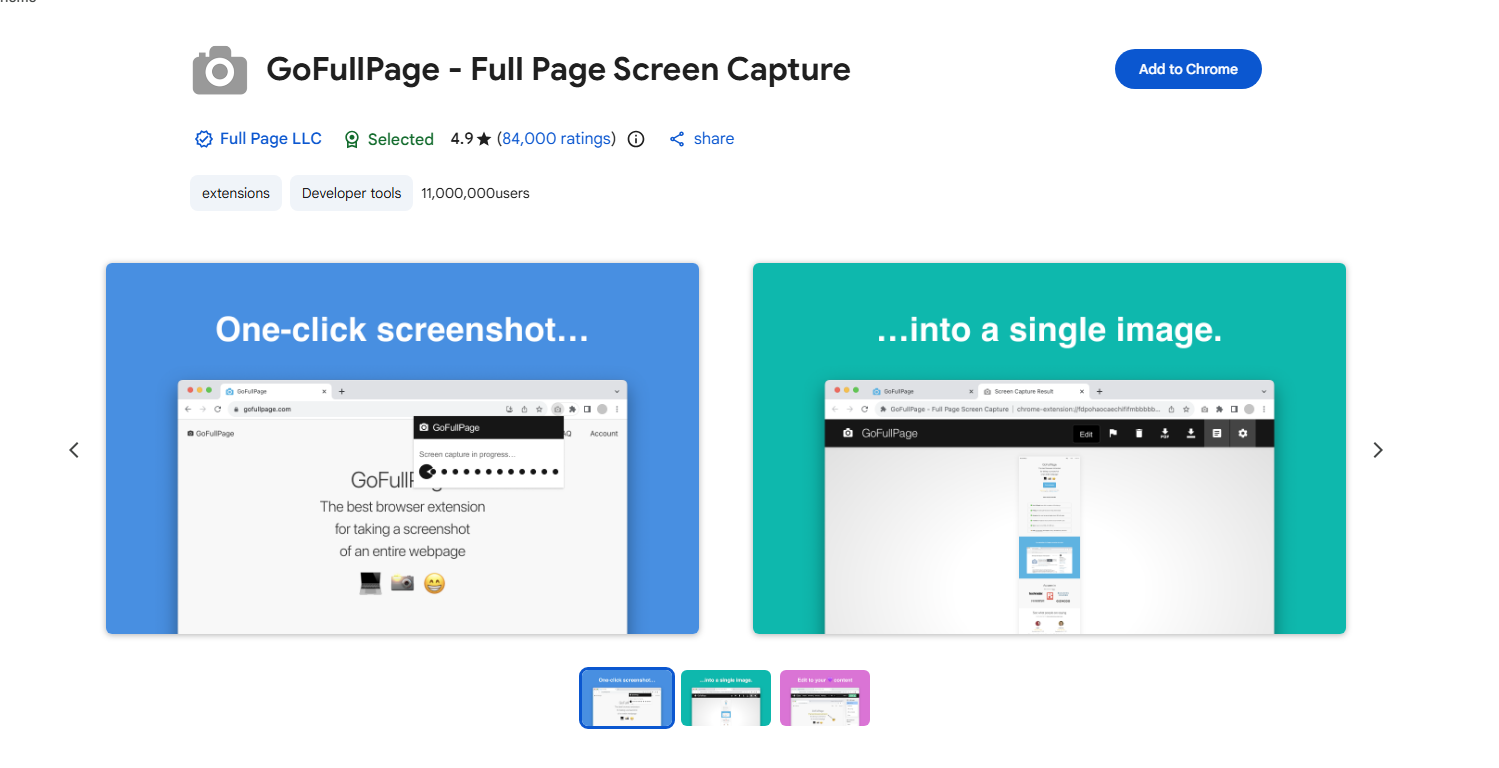
GoFullPage specializes in capturing full-page screenshots of webpages.
Unlike regular screenshot tools that only capture visible areas, GoFullPage scrolls automatically and captures the entire webpage from top to bottom.
Pros:
- Full-page screenshot capture
- Easy one-click operation
- Export as PNG or PDF
- Great for visual webpage preservation
Cons:
- Saves screenshots rather than interactive webpages
- No archive organization features
This extension is particularly useful for designers, researchers, and users who want visual webpage references.
2.3 Save Page WE
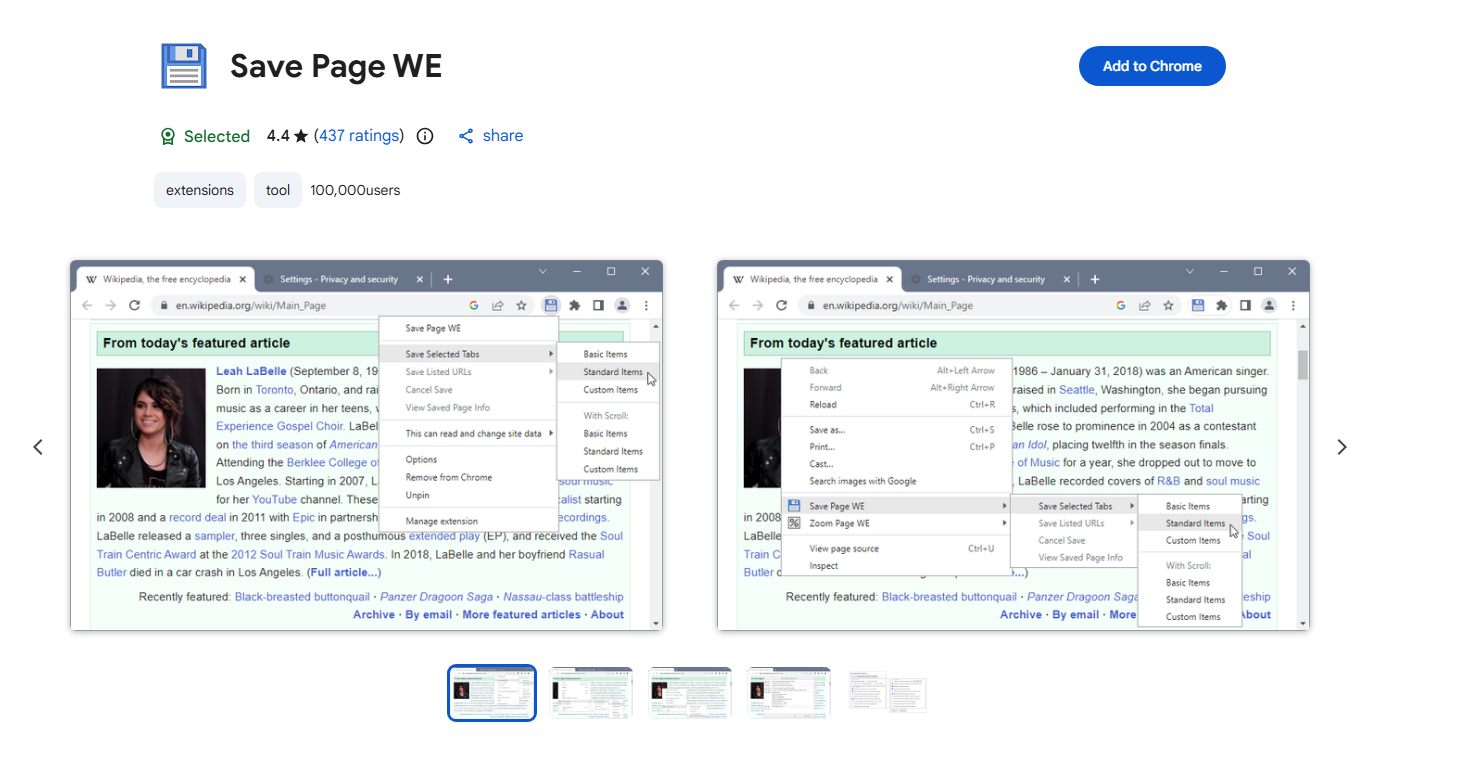
Save Page WE helps users save complete webpages for offline viewing.
It attempts to preserve images, formatting, and scripts more accurately than standard browser “Save As” functions.
Pros:
- One-click webpage saving
- Works well for static webpages
- Offline viewing support
Cons:
- Limited support for highly dynamic pages
- Minimal archive management features
Save Page WE is a good lightweight option for quick webpage backups.
3. Popular Online Page Saver & Web Archiver Tools
Online archiving services allow users to preserve webpages in the cloud without installing software. These tools are useful for permanent public archives and quick online backups.
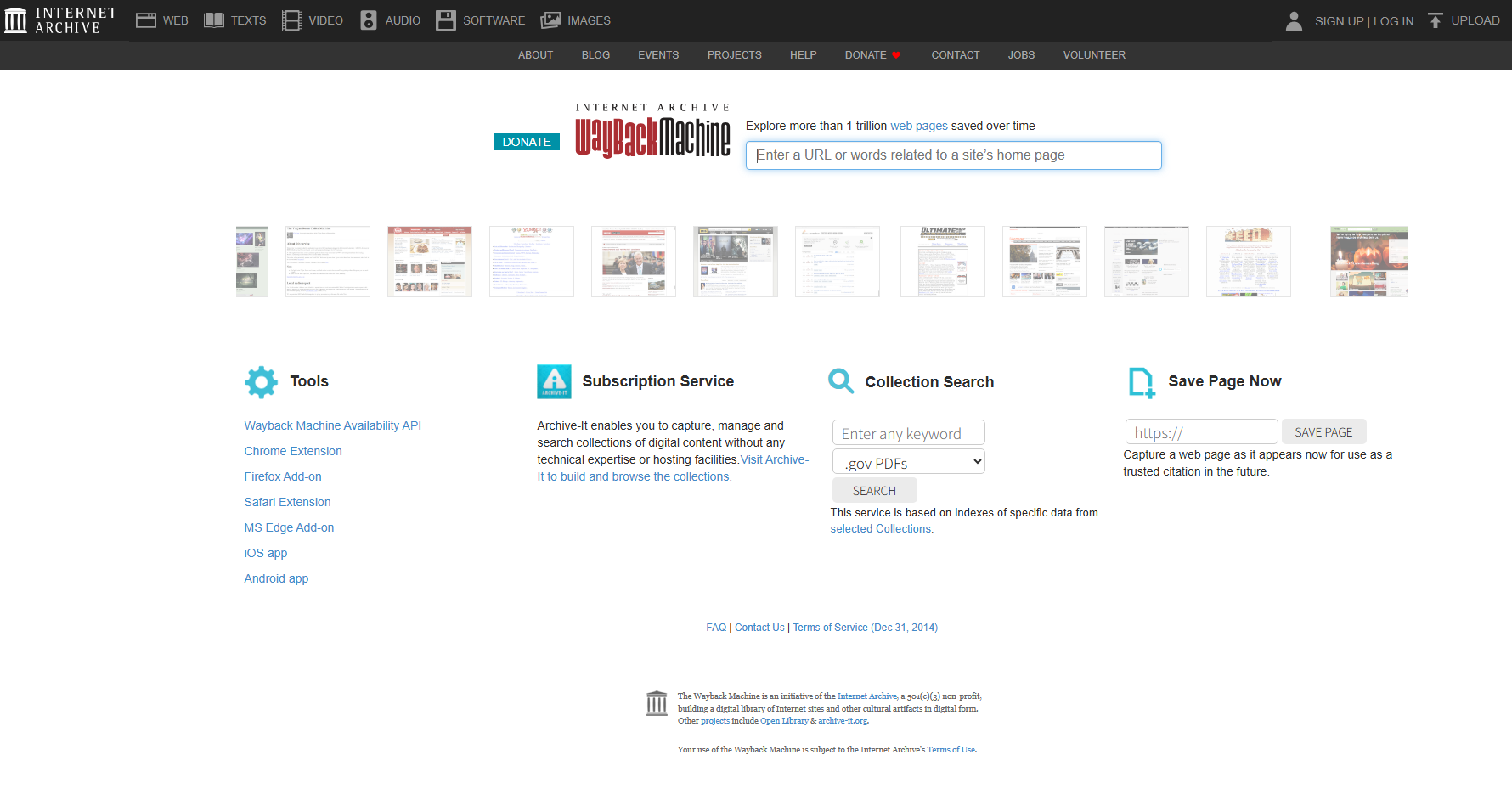
3.1 Wayback Machine
Internet Archive operates the famous Wayback Machine, one of the largest public web archives in the world.
Users can manually save webpages using the “Save Page Now” feature to create permanent archived snapshots.
Pros:
- Public permanent archive links
- Historical webpage versions
- Free to use
Cons:
- Limited privacy
- Some dynamic content may not archive correctly
The Wayback Machine is excellent for preserving public webpages that may later disappear.
3.2 save.ink
save.ink is a lightweight online page archiver that allows users to instantly save webpages and generate shareable archive links.
Features:
- Quick webpage archiving
- AI-generated summaries
- Permanent shareable links
- No installation required
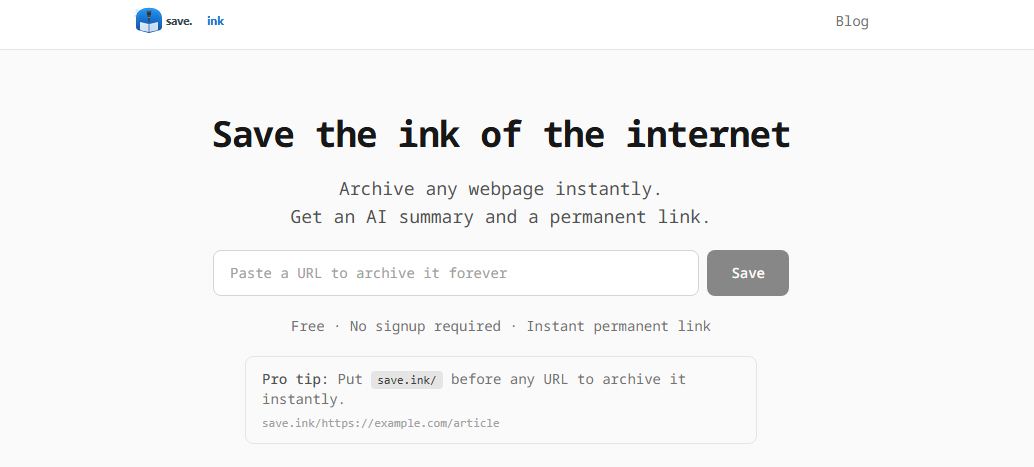
save.ink is useful for quickly preserving webpages online without installing additional software.
3.3 FreeWebArchive
FreeWebArchive focuses on cloud-based webpage preservation with screenshot and JavaScript rendering support.
Features:
- Full-page webpage snapshots
- JavaScript rendering support
- Online archive access
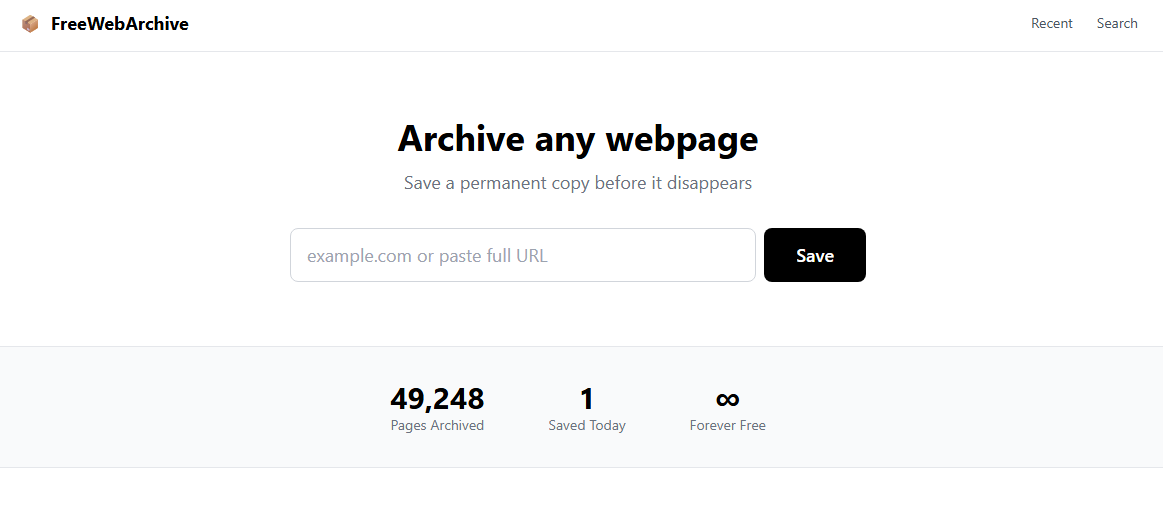
This service works well for users who need quick cloud-based webpage preservation.
4. Conclusion
As online content constantly changes or disappears, page saver tools have become essential for preserving important webpages and building a reliable personal web archive. Browser extensions like SingleFile, GoFullPage, and Save Page WE offer quick ways to save pages, while online services such as Wayback Machine and save.ink provide convenient cloud-based archiving.
For users who want a more complete solution, Swyshare ArchiveKit is the best choice. With full webpage saving, Live Browser support for dynamic and logged-in content, and easy archive management, ArchiveKit makes it simple to preserve and access valuable webpages anytime, even offline.