ArchiveKit



Social media page backup
Save entire social pages before content is edited or removed.
All-in-one web archiver: capture, organize, and search fully functional webpages with every detail preserved for access anytime.
Everything you need to capture, organize, and search webpages with accuracy, speed, and ease.
ArchiveKit’s bulk URL import makes large-scale webpage saving easier than ever. Simply paste page links and archive them automatically in one workflow.

Save complete webpages exactly as they appear online, including images, layout, and content. ArchiveKit makes full-page web archiving fast and simple.

ArchiveKit goes beyond static page capture — it preserves dynamic and interactive content as part of the archived webpage.
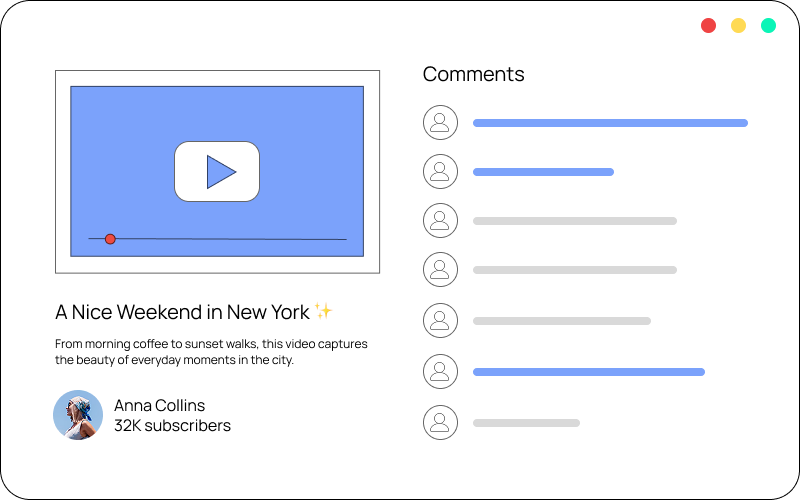
Use ArchiveKit’s highlight tool to quickly identify important content and keep your saved webpages clean, readable, and easy to review.

Remove distractions and turn webpages into clean, readable layouts for focused reading, highlighting, and archiving.

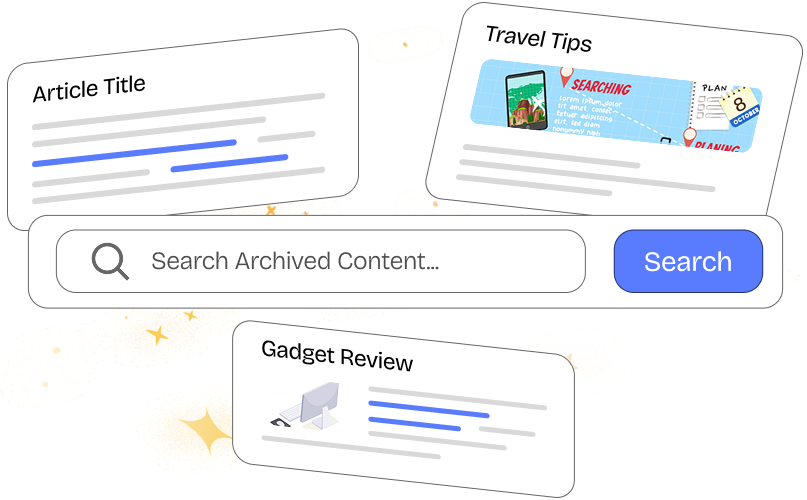
Quickly find saved pages using keyword-based search across titles and page content. Everything you’ve archived, right at your fingertips.
Save entire social pages before content is edited or removed.

Build a searchable library of news, articles and resources.

Save tutorials and learning materials for anytime access.

Track and compare your competitor pages over time.

Collect and organize UI, landing pages, and creative ideas.
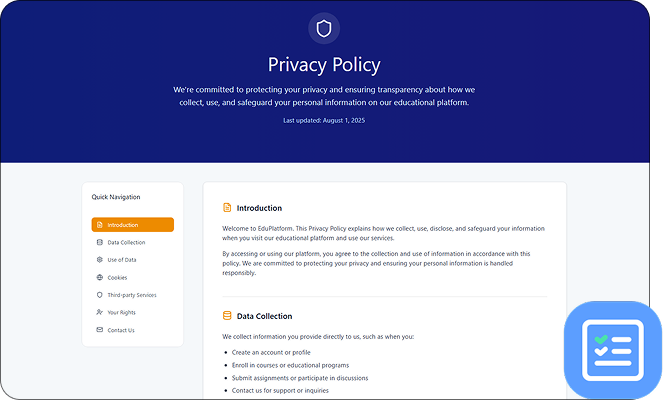
Keep reliable records of policies, terms, and public content.
ArchiveKit is a web archiving tool that lets you save full webpages exactly as they are, including layout, media, and interactive elements for offline use.
ArchiveKit supports most modern websites, including dynamic and JavaScript-heavy pages.
Files are stored locally or in your chosen storage location.
Yes, ArchiveKit preserves pages for offline use, ensuring access even if the original content is removed.
Absolutely. Use folders and the search feature to manage and structure your archives efficiently.
Bulk archive full webpages in seconds, keep them organized, and find anything instantly with powerful search.