How to Record InstaCams Chat: Best Tools and Methods

Live webcam chat platforms have become increasingly popular for real-time communication, entertainment, and online interaction. InstaCams allows users to connect through live video conversations, but unlike downloadable videos, live chat sessions usually cannot be saved directly. If you want to keep a record of your own sessions, create video content, or review important conversations, a reliable screen recording tool is the easiest solution.
Choosing the right InstaCams recording method can make a big difference in video quality, audio synchronization, and overall recording experience. In this guide, we will explain what InstaCams is and introduce the best tools and methods to record InstaCams chats with ease.
1. What Is InstaCams?
InstaCams is an online webcam chat platform that enables users to communicate through live video and audio interactions. Similar to other webcam-based platforms, InstaCams provides real-time conversations where users can connect through their browsers or devices.

Because InstaCams sessions happen live, there is usually no built-in download option for saving conversations. Users who need to record a session typically rely on screen recording software that captures everything displayed on the screen, including video, audio, and webcam content.
People may want to record InstaCams chats for different reasons, such as:
- Saving their own live sessions for future viewing
- Creating tutorials or educational videos
- Recording online demonstrations
- Reviewing personal broadcasts
- Keeping approved video archives
A good InstaCams recorder should provide high-quality video capture, clear audio recording, flexible recording modes, and an easy workflow.
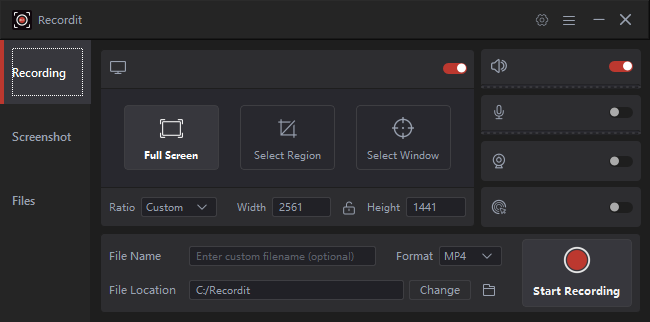
2. Best Recommended Desktop Tool to Record InstaCams Chat – Swyshare Recordit
For the best recording quality and reliability, desktop recording software is usually the preferred choice. Compared with browser extensions and online tools, desktop applications can provide better performance, longer recording time, and more control over recording settings.
One of the recommended desktop tools for recording InstaCams chats is Swyshare Recordit.
Key features of Recordit:
- Capture full screen, specific windows, or custom areas.
- Record system sound, microphone audio, or both together.
- Add webcam overlays for video chats, tutorials, and presentations.
- Save recordings in popular formats like MP4, GIF, and MP3.
- Trim videos, resize canvas, add backgrounds, and apply watermarks.
- Automatically start and stop recordings at a set time.
Steps using Recordit to record an InstaCams chat:
- Download and install Recordit on your Windows PC or Mac.
- Open Recordit and the InstaCams chat, select recording mode (full screen, specific window, or custom area), then enable audio recording to capture system sound and microphone input.
- Start Recording and make Recordit capturte the live chat in real time.
- Stop recording when finished and save the recorded video file. Edit and export the recording using Recordit’s built-in tools if needed.
3. Best Online Recorders to Record InstaCams Chat
For users who do not want to install software, online screen recorders offer a quick and convenient solution. These tools work directly in a browser.
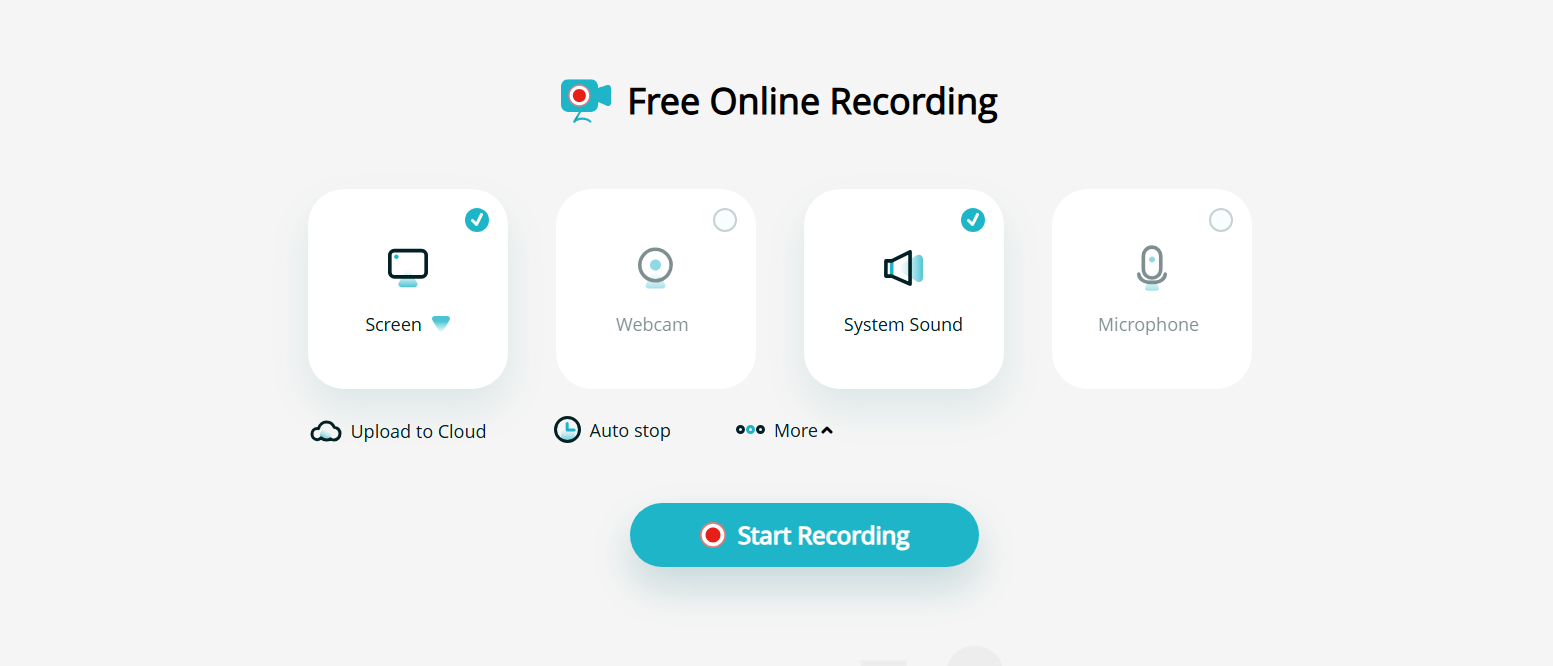
3.1 Apowersoft Online Screen Recorder
Apowersoft Online Screen Recorder is a popular web-based recording tool.
Main features:
- Record screen activity
- Capture webcam video
- Record system sound
- Support different recording areas
It is useful for occasional recordings but may require a launcher installation for some features.
3.2 VEED Online Screen Recorder
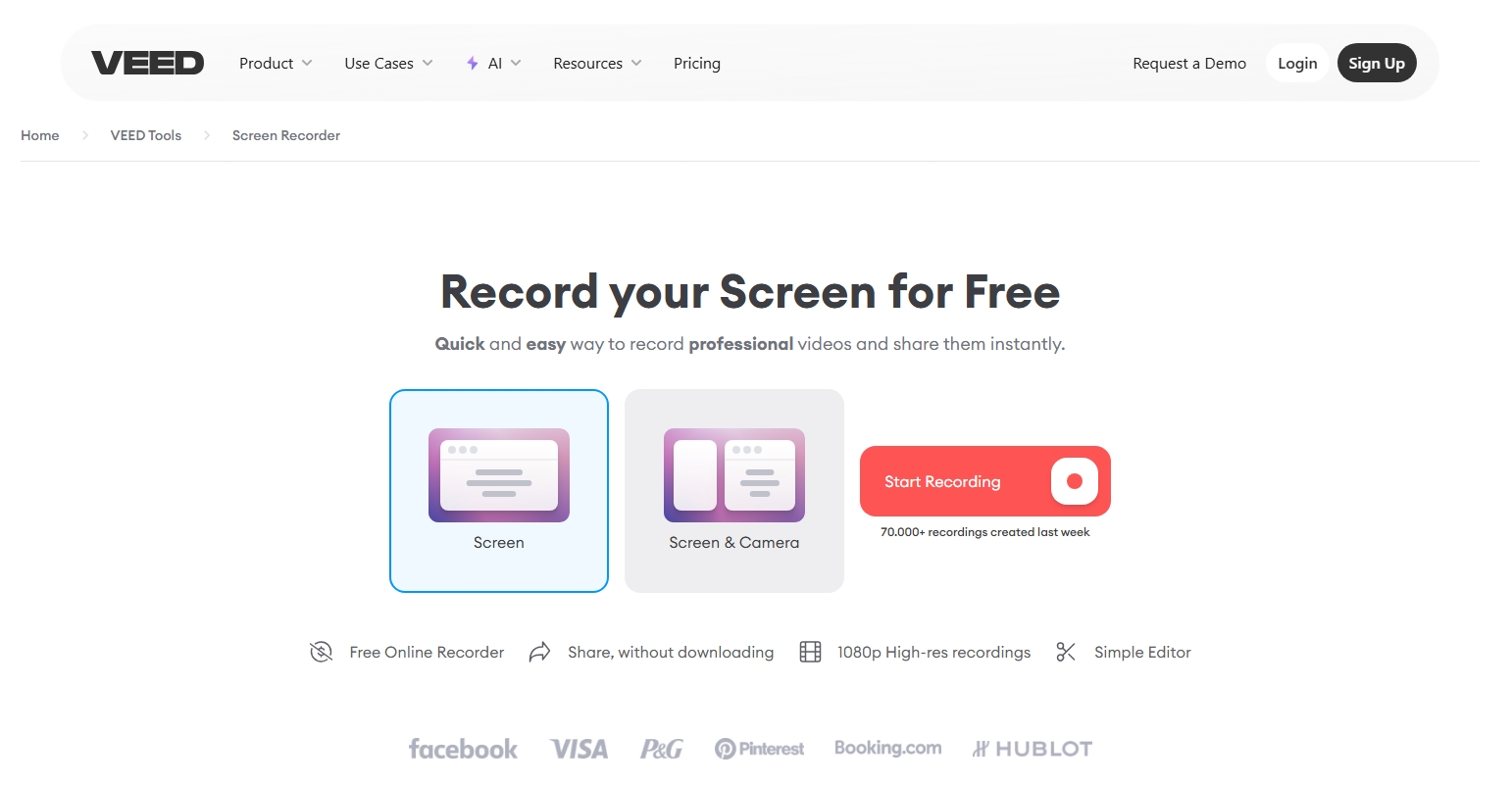
VEED provides online recording and basic editing features.
Advantages:
- No complicated setup
- Screen and webcam recording
- Built-in editing tools
- Easy sharing options
Online recorders are convenient, but they may be affected by browser limitations, internet speed, and recording restrictions.
4. Best Recorder Extensions to Record InstaCams Chat
Browser extensions are another simple way to record screen activity. They are lightweight and can be installed directly in browsers.
4.1 Loom Screen Recorder Extension
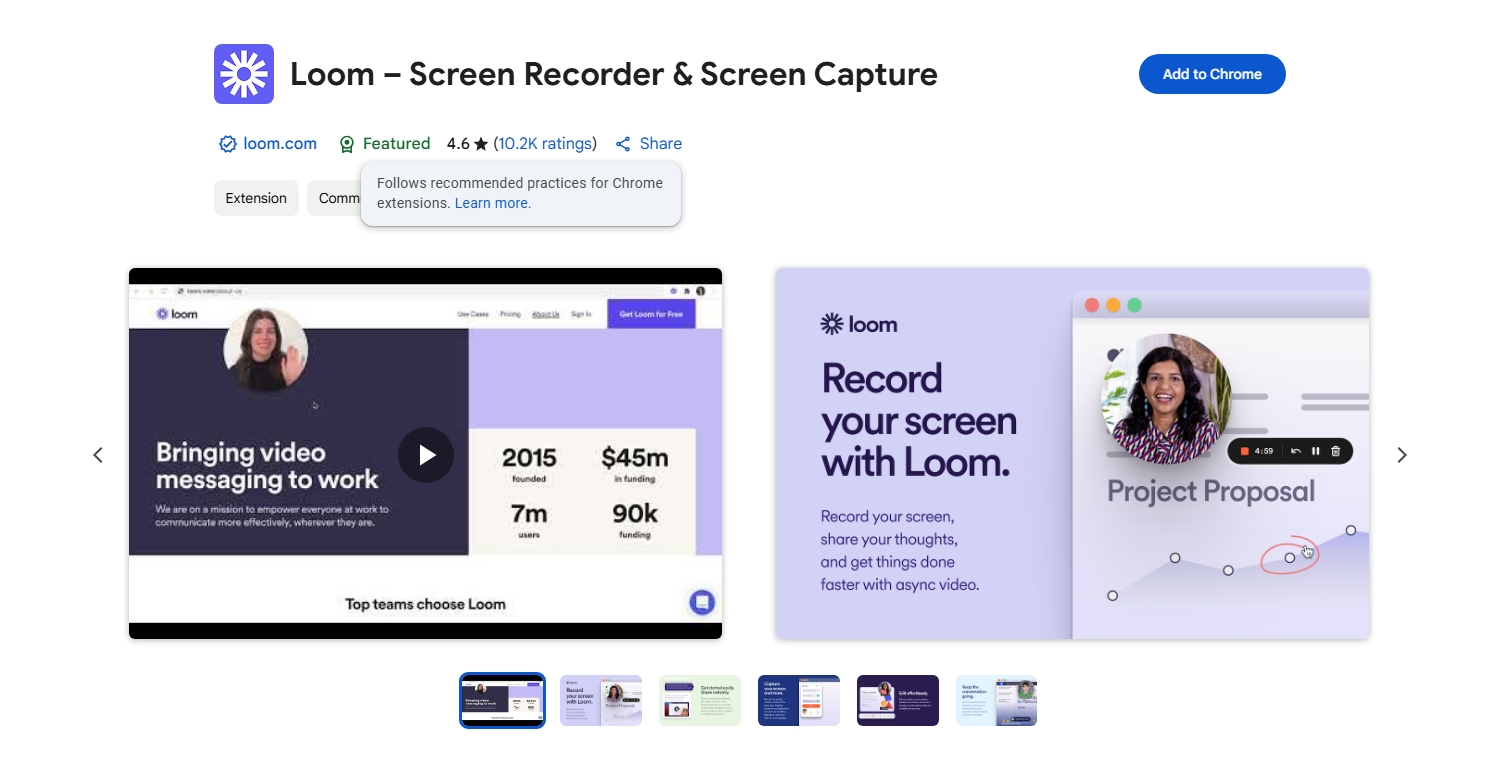
Loom is a popular browser extension for screen recording.
Features:
- Screen capture
- Webcam recording
- Microphone recording
- Quick sharing
It is mainly used for workplace communication and tutorials but can handle basic recording tasks.
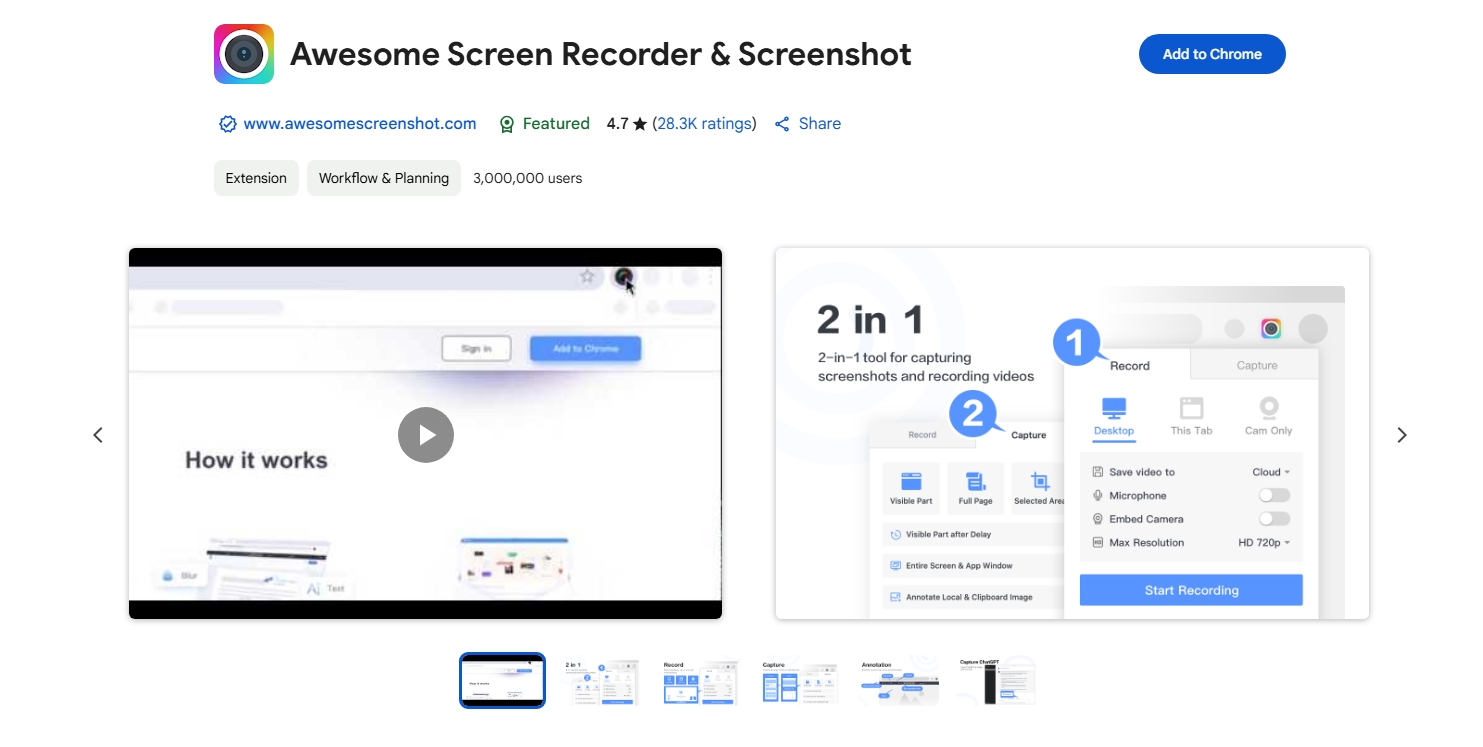
4.2 Awesome Screenshot & Screen Recorder
This extension combines screenshot and screen recording functions.
Features:
- Record browser screens
- Capture webcam
- Add annotations
- Share recordings easily
4.3 Nimbus Screen Capture
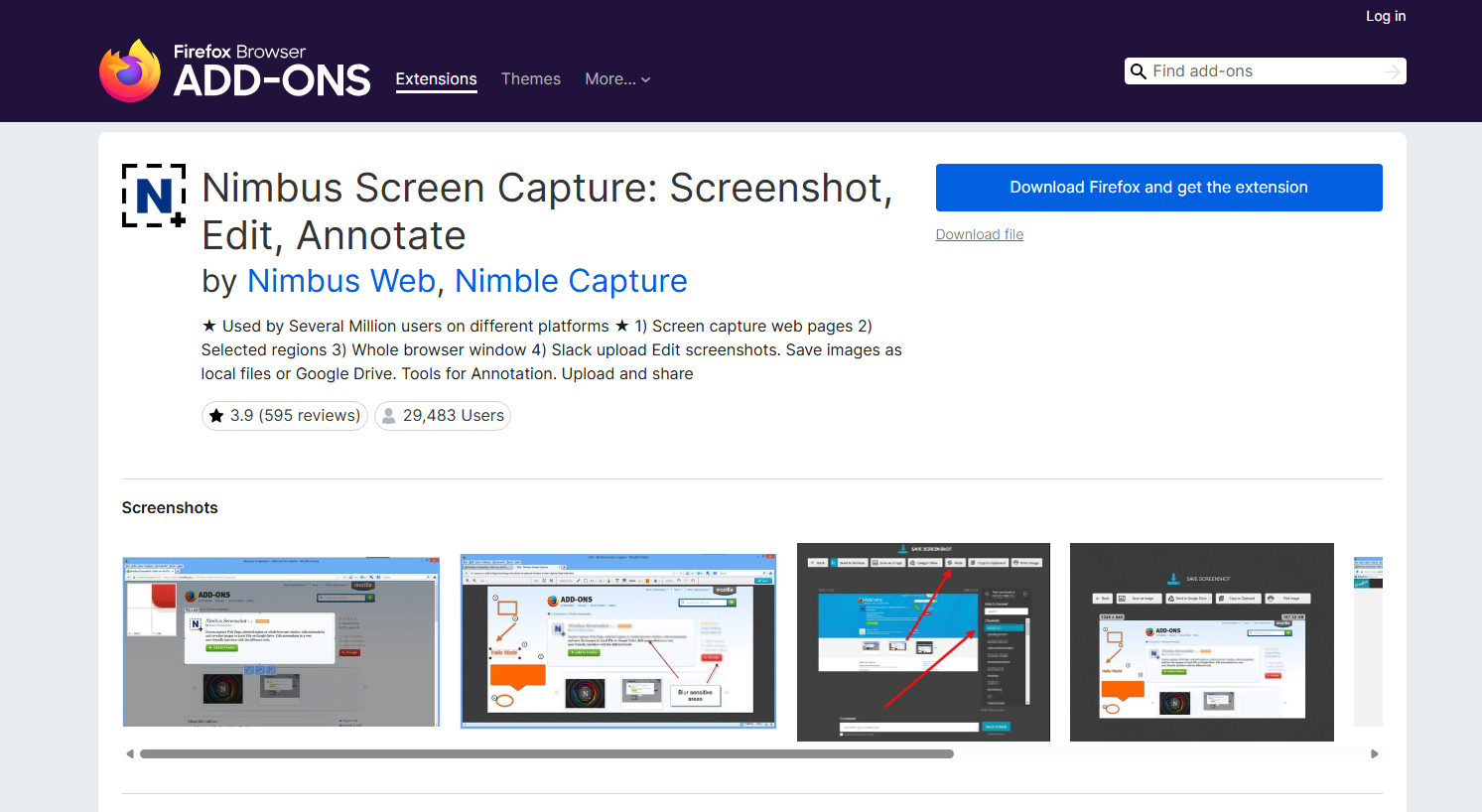
Nimbus provides screen recording and screenshot tools through browser extensions.
Features:
- Screen recording
- Custom capture areas
- Basic editing functions
Extensions are convenient, but they may not provide the same video quality and stability as desktop recording software.
5. More Methods to Record InstaCams Chat
Besides dedicated software and browser tools, there are other ways to record InstaCams chats.
5.1 Use Built-In Screen Recording Tools
Both Windows and macOS include built-in screen recording features.
Windows users can use built-in capture tools, while Mac users can use the screenshot toolbar to record their screens.
These methods are free but usually have fewer features than professional recorders.
5.2 Use Smartphone Screen Recording
If you access InstaCams from a mobile device, built-in Android or iOS screen recording can capture the session.
This method is convenient but may have limitations in storage capacity, audio recording, and video quality.
5.3 Use Professional Capture Devices
Advanced users can use external capture hardware to record video signals. These devices are often used by professional streamers and content creators.
6. Conclusion
There are many ways to record InstaCams chats, including desktop software, online recorders, browser extensions, and built-in screen recording tools. Each method has its own advantages, but the best choice depends on recording quality, convenience, and required features.
For users who want a reliable and professional recording experience, Swyshare Recordit is highly recommended. With high-quality screen capture, audio recording support, flexible recording modes, and an easy-to-use interface, Recordit provides everything needed to record InstaCams chat sessions smoothly.