How to Convert Video to WebP?

WebP has become one of the most widely used image formats on the web thanks to its excellent compression and high visual quality. Compared with traditional formats like GIF, PNG, and JPEG, WebP produces much smaller file sizes while maintaining sharp images. Besides static images, WebP also supports animations, making it an excellent replacement for animated GIFs.
Animated WebP files are ideal for websites, blogs, social media, online stores, tutorials, and presentations. They load faster, consume less bandwidth, and provide a smoother viewing experience. As a result, more content creators and website owners are converting short videos into animated WebP files for better performance.
Whether you have an MP4, MOV, AVI, MKV, or another video format, converting it to WebP is simple with the right software. In this guide, we’ll introduce the best video-to-WebP converter, explain how to use it, and recommend several other useful tools.
1. Best Tool to Convert Video to WebP: Swyshare Sparkit
If you’re looking for a reliable, fast, and easy-to-use video converter, Swyshare Sparkit is one of the best choices available. It allows users to convert videos into high-quality image files with just a few clicks while offering useful customization options for different needs.
Unlike many online converters that impose file size limits or require long upload times, Sparkit performs conversions locally on your computer, resulting in faster processing, better privacy, and higher-quality output.
Key Features of Swyshare Sparkit:
- Convert videos to PNG, JPG, and WebP.
- Generate AI captions and capture every video frame.
- Preview, select, and export images with one click.
- Merge selected images into a single picture.
- Fast batch processing with an easy-to-use interface.
How to convert video to WebP with Sparkit:
- Install and launch Swyshare Sparkit on your computer.
- Click Add Files or drag and drop your video into the program.
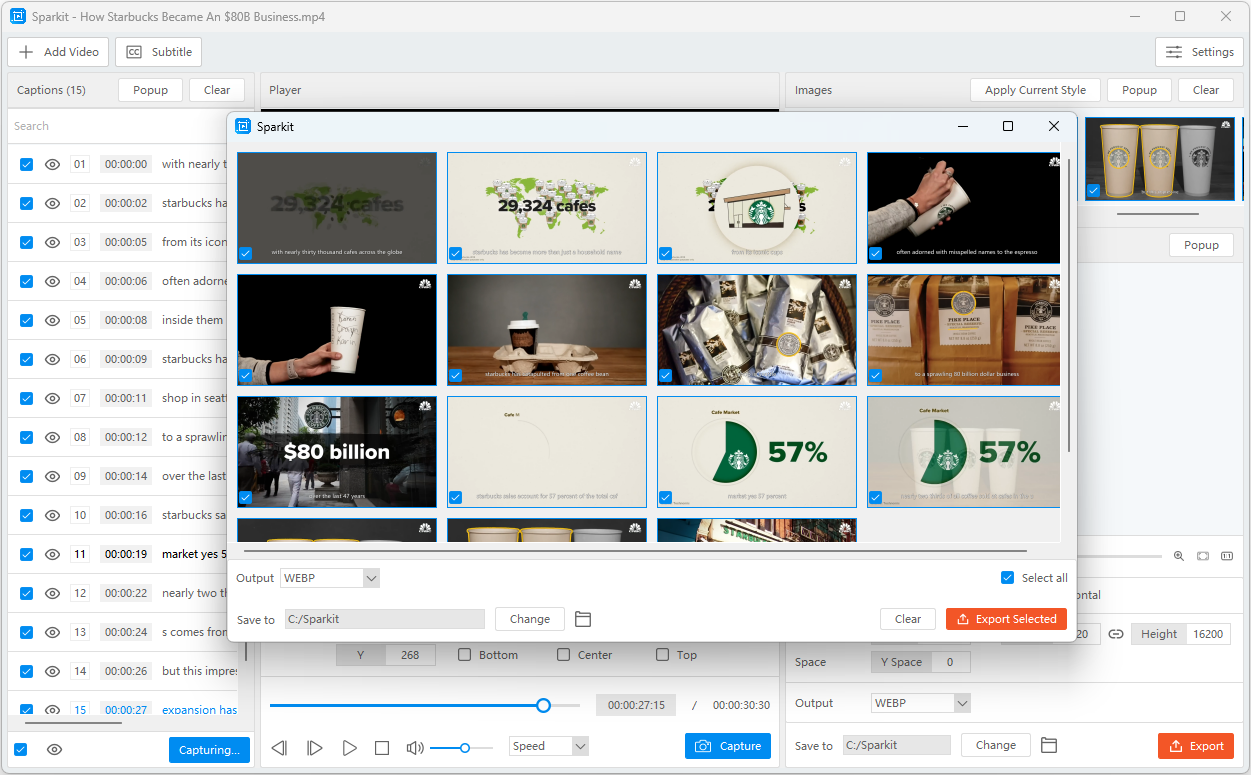
- Use the Auto Captions feature to generate captions for the video, then click Capture Checked to take original images from the video.
- Select desired images, choose WebP as the output format, then export them in one-click.
2. More Tools to Convert Video to WebP
Although Swyshare Sparkit is our top recommendation, there are several other tools that can convert videos into animated WebP files. Depending on your workflow and preferences, one of these alternatives may also suit your needs.
2.1 FFmpeg
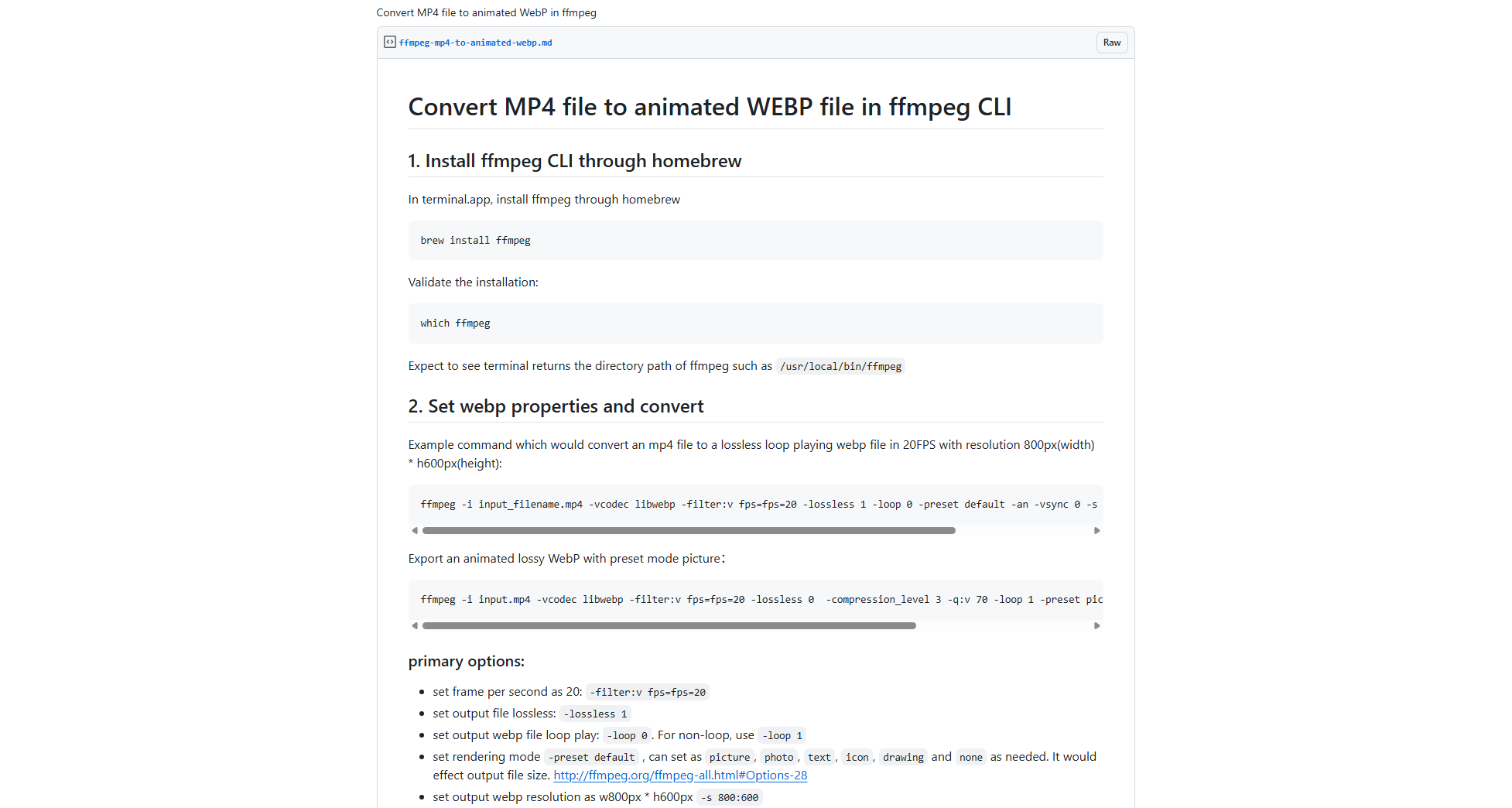
FFmpeg is one of the most powerful multimedia processing tools available. It supports converting videos to animated WebP using command-line commands and offers extensive customization options.
Pros:
- Free and open-source
- Supports nearly every video format
- Excellent output quality
- Highly customizable
Cons:
- Requires command-line knowledge
- Not suitable for beginners
FFmpeg is ideal for developers and advanced users who need complete control over the conversion process.
2.2 Ezgif
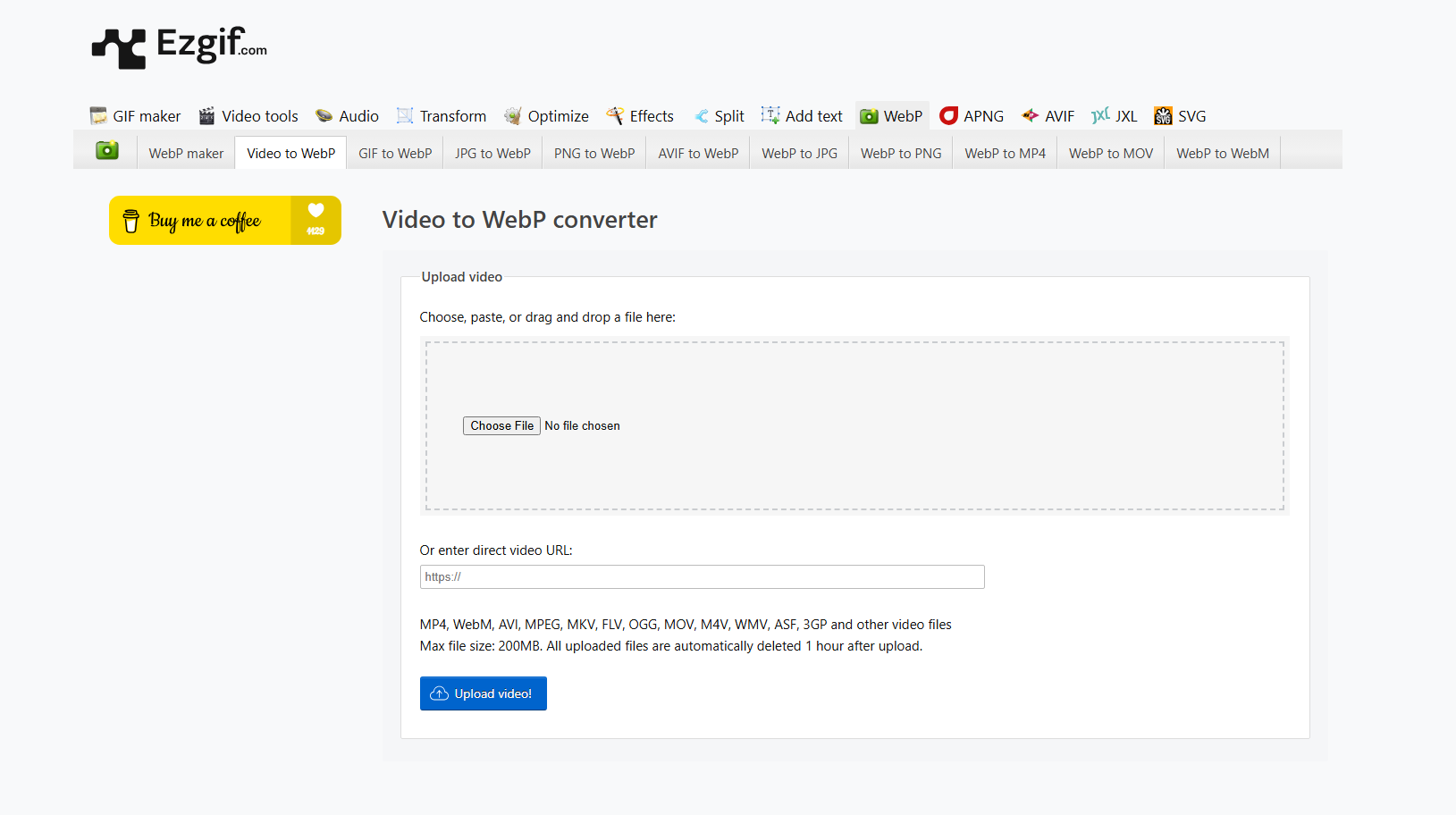
Ezgif is a popular online animation editor that includes a video-to-WebP converter. Users simply upload a video, configure basic settings, and download the converted WebP file.
Pros:
- Free to use
- No software installation
- Easy interface
- Includes simple editing features
Cons:
- Upload speed depends on internet connection
- Limited maximum file size
- Slower when converting large videos
Ezgif is suitable for occasional conversions of short video clips.
2.3 CloudConvert
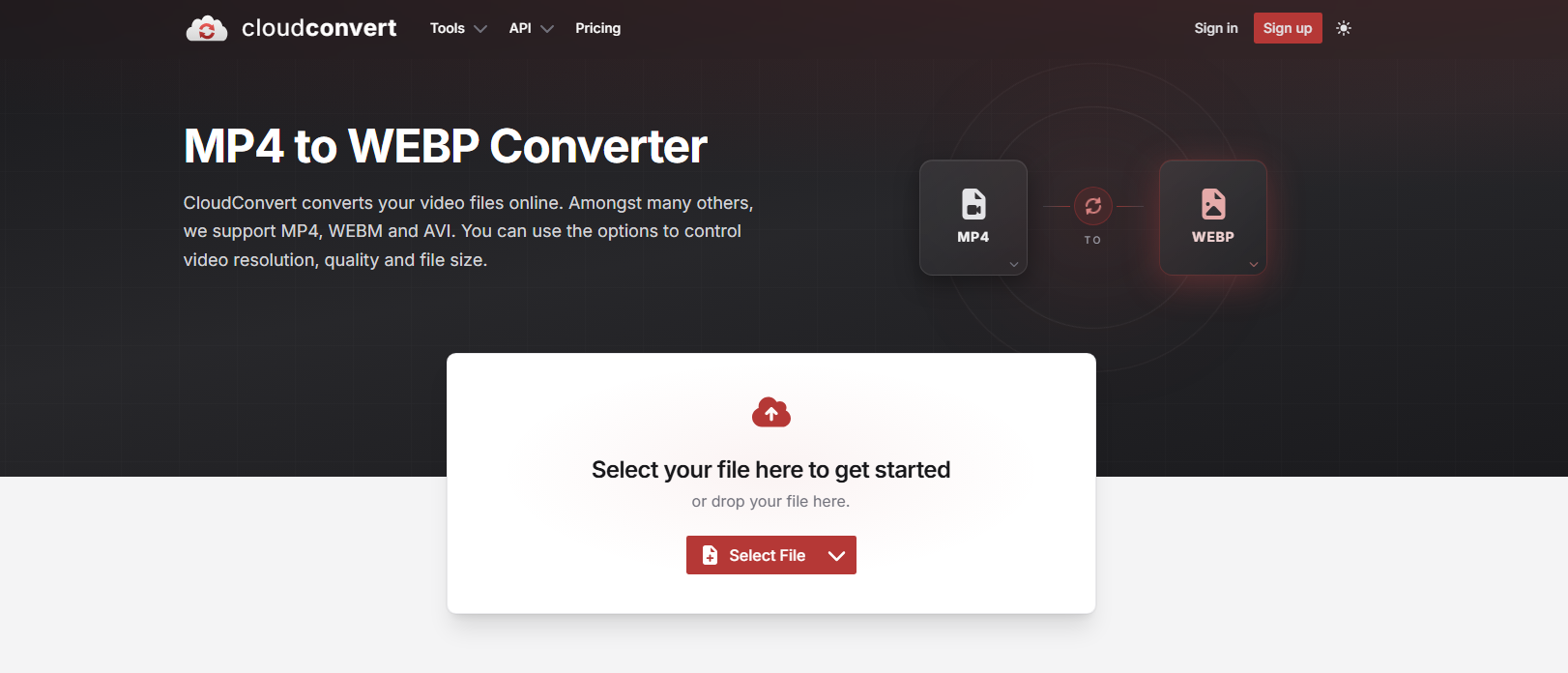
CloudConvert is a cloud-based file conversion platform supporting hundreds of file formats, including video-to-WebP conversion.
Pros:
- Accessible from any browser
- Supports numerous input formats
- Good conversion quality
- No installation required
Cons:
- Requires internet access
- Free version has daily conversion limits
CloudConvert works well for users who frequently switch between different devices.
2.4 Convertio
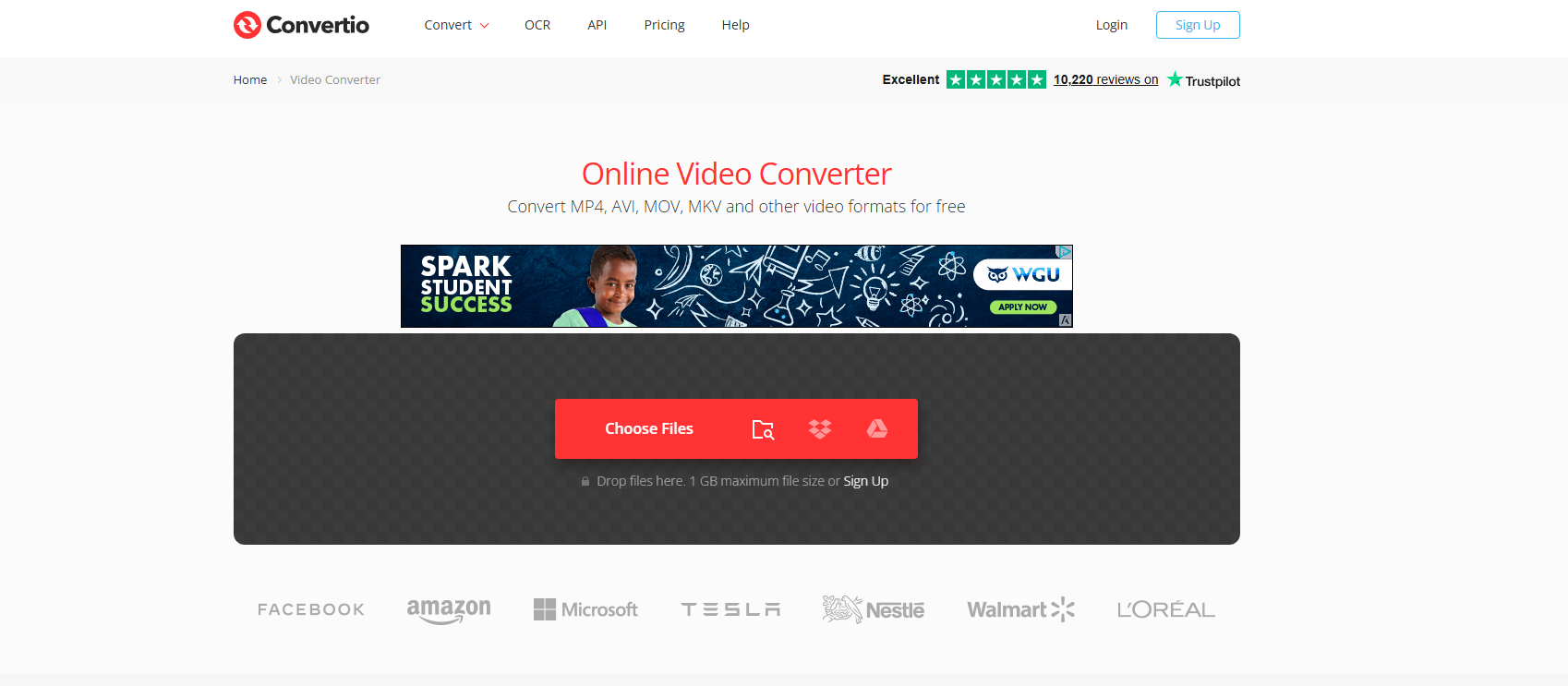
Convertio is another online converter that supports converting videos into animated WebP images. Users can upload files from their computer or cloud storage services like Google Drive and Dropbox.
Pros:
- User-friendly interface
- Supports many video formats
- Cloud storage integration
- Works on Windows, macOS, Linux, and mobile devices
Cons:
- File size restrictions for free users
- Conversion speed depends on internet connection
Convertio is a convenient solution for light, browser-based conversions.
2.5 ImageMagick with FFmpeg
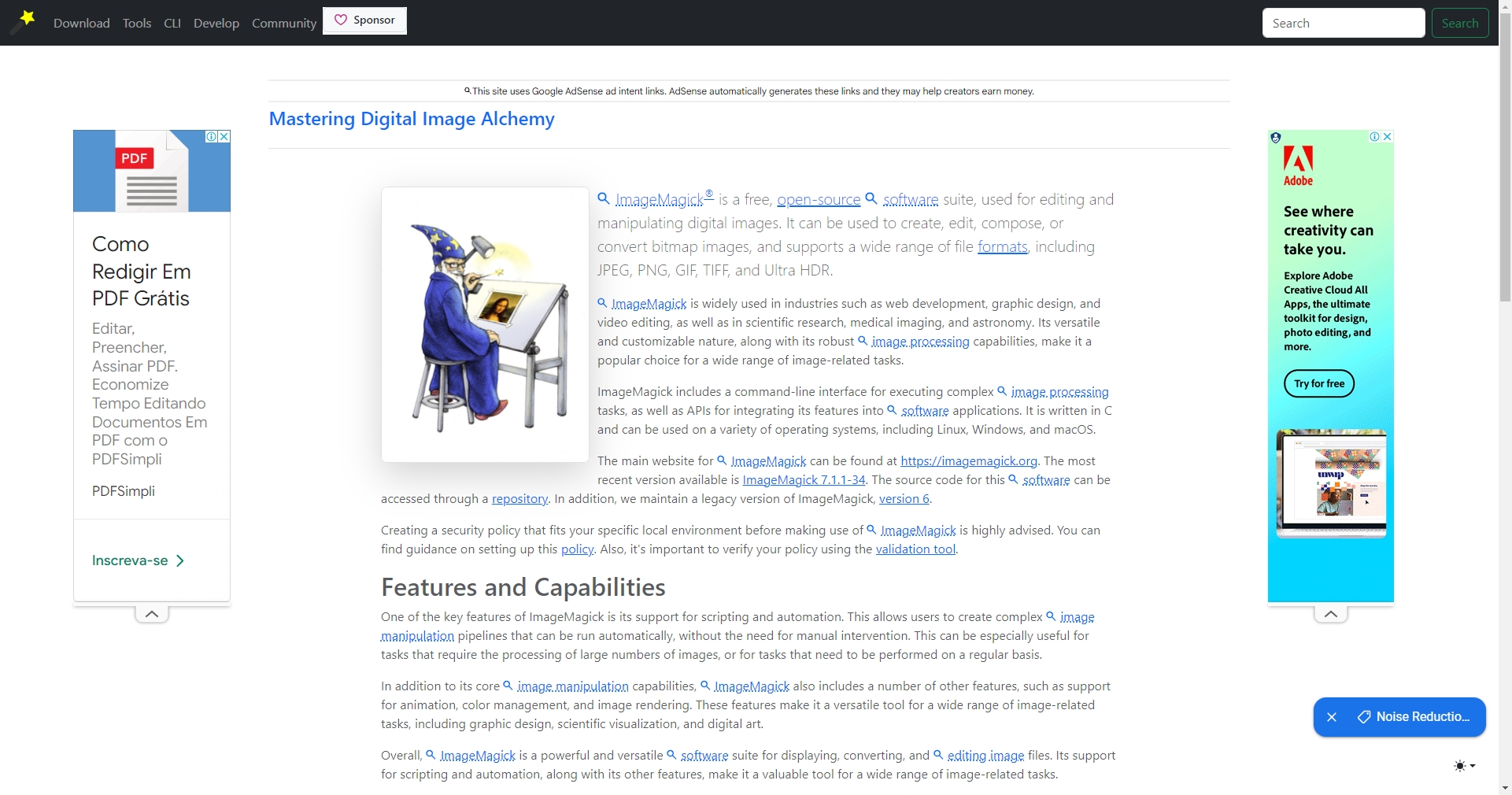
ImageMagick can also generate animated WebP files when combined with FFmpeg. Although the setup is more technical, it provides powerful scripting capabilities for automated workflows.
Pros:
- Free and open-source
- Highly customizable
- Suitable for batch automation
Cons:
- Requires command-line experience
- More complicated configuration
This option is best suited for developers and power users.
3. Conclusion
Converting videos to WebP is an excellent way to create lightweight, high-quality animations for websites, blogs, presentations, social media, and online stores. While several tools—including FFmpeg, Ezgif, CloudConvert, Convertio, and ImageMagick—can successfully perform the conversion, they each have their own strengths and limitations.
For users who want the best balance of speed, ease of use, flexibility, and output quality, Swyshare Sparkit is the recommended choice. Its support for multiple video formats, customizable conversion settings, hardware-accelerated performance, and batch processing makes it suitable for both beginners and professionals.
If you’re looking for a fast and dependable way to convert videos into optimized animated WebP files, Swyshare Sparkit is the tool worth trying.